Home Recording Studio Setup: Your Complete Beginner's Guide
Build a pro-quality home recording studio from scratch. Learn what gear you need, how to set up your space, and where to save money without sacrificing sound.
October 25, 2026
Music Marketplace Advisor
Buying & SellingSetting up a home recording studio doesn't mean spending thousands or taking out a loan. You can build a legitimate recording space in your bedroom, garage, or spare room that produces professional-quality tracks, no matter your budget or experience level.
The key is understanding what actually matters, what's nice to have, and what's just hype. Let's walk through the essentials so you can start recording today.
Pick Your Room First
Your space is your foundation. Before you buy a single piece of gear, choose a room that will work for recording.
Look for a smaller room rather than a large, echo-y space. A bedroom, closet, or even a corner of a garage works better than a massive living room. Smaller spaces are easier to treat acoustically, and they cost less to fix.
Check the room for background noise. Sit in silence for a minute. Do you hear traffic outside? HVAC systems? Neighbors? Pick the quietest spot you can find. Soundproofing is expensive, so start with a naturally quiet environment.
Hard surfaces (tile, concrete, drywall) bounce sound around and create reflections that muddy your recordings. You want some soft surfaces (carpet, curtains, blankets) already in the room, or you'll need to add them.
Get a Solid Computer
Your computer is the brain of your home recording studio setup. It needs to handle music production software without crashing, freezing, or lagging.
Related: Home Studio Setup: The Complete Beginner's Guide
You don't need the most expensive machine on the market. A mid-range laptop or desktop from the last 3-5 years will work fine. Look for at least 8GB of RAM and a solid-state drive (SSD) for storage. An SSD makes recording software load faster and your sessions run smoother.
Mac, Windows, or Linux all work. Pick whatever you're comfortable using. The software you choose matters more than the operating system.
Invest in an Audio Interface
An audio interface is the bridge between your microphone, instruments, and computer. Without one, your recordings will sound thin, tinny, and unprofessional.
The interface converts analog sound (from a mic or guitar) into digital data your computer understands. It also converts digital audio back to sound you can hear through headphones or speakers.
Start with a beginner-friendly interface that has at least two inputs (so you can record a mic and an instrument at the same time). Look for USB connectivity for easy setup. Better audio interface quality directly improves your recording clarity, so don't cheap out here.
Your interface connects via USB to your computer and sits between your microphone, instruments, and studio monitors. It's the single most important piece of gear you'll buy, besides your computer itself.
Choose a Digital Audio Workstation (DAW)
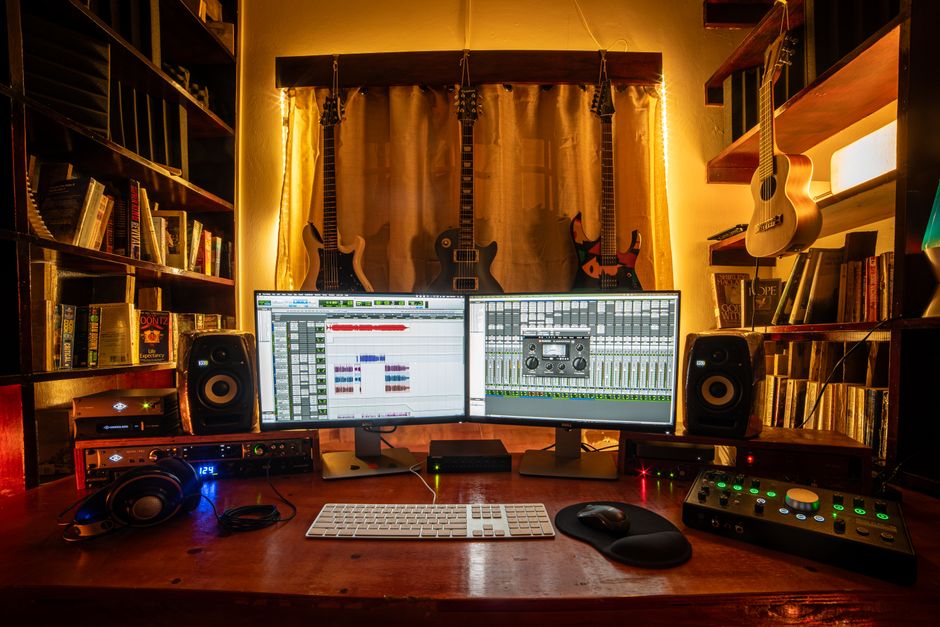
A DAW is the software where you record, edit, arrange, and mix your music. It's your main tool.
Popular options include Ableton Live, Logic Pro, Pro Tools, FL Studio, Reaper, and GarageBand. Each has a learning curve and its own workflow. Pick one and stick with it long enough to learn it properly, rather than bouncing between five different programs.
Many DAWs offer free or cheap trials. Test a few before committing. Your choice matters less than your willingness to learn it deeply.
Add Studio Monitors
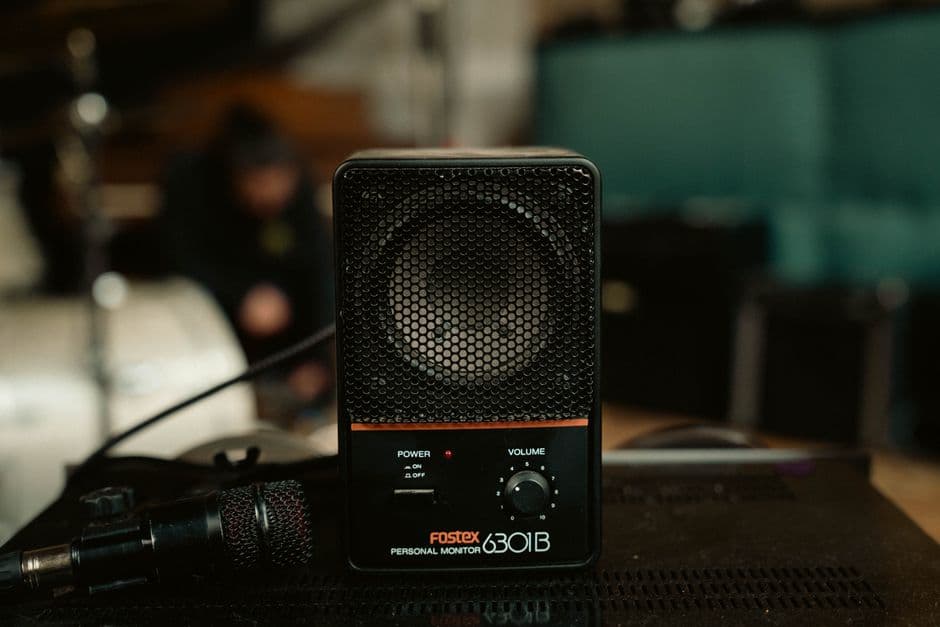
Studio monitors are speakers designed to show you exactly what's in your recording, without coloring or enhancing the sound. They're not the same as regular speakers or headphones.
Related: Sound Studio Setup: Build Your Recording Space in 2026
Regular speakers boost bass and treble to make music sound "better." Studio monitors are flat and honest. When you mix on flat monitors, your tracks sound good everywhere: in cars, on earbuds, in clubs, and on cheap laptop speakers.
For a home recording studio setup, start with a pair of powered monitors (speakers with built-in amplifiers). Place them at ear level, about 3-4 feet apart, positioned so they form an equilateral triangle with your head.
Monitor quality affects your mixing decisions. Don't skimp here if you're serious about recording and mixing your own work.
Get a Microphone and Stand
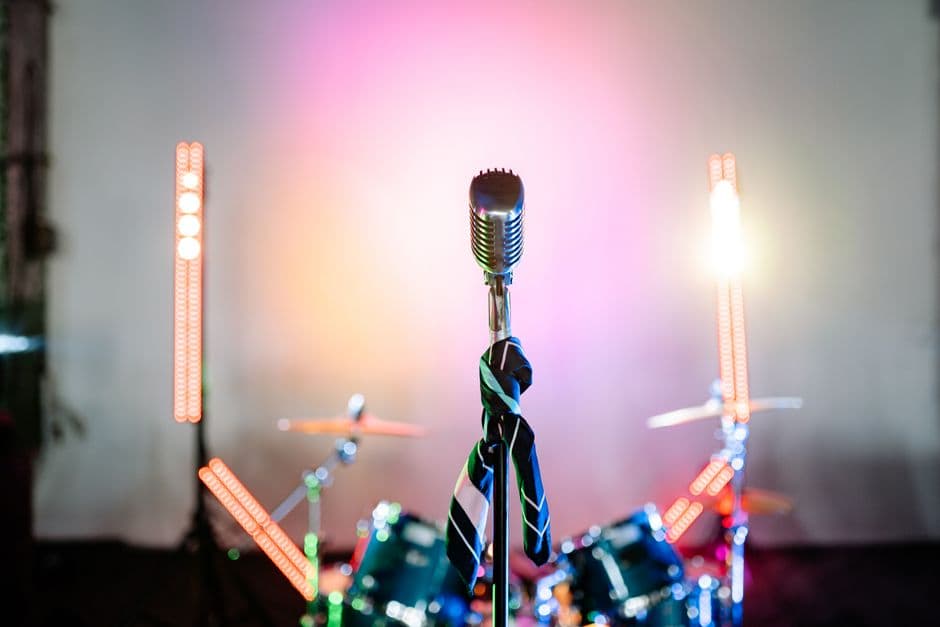
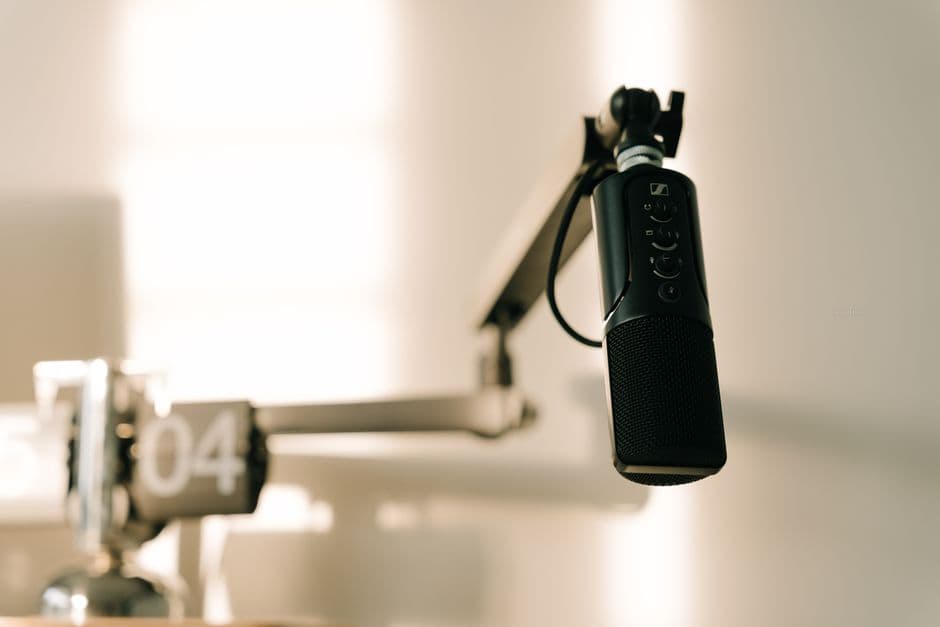
You need a decent microphone to record vocals, acoustic instruments, and room ambience. A USB microphone is the easiest entry point. It plugs straight into your computer and works without an audio interface.
If you're using an audio interface, grab a condenser or dynamic mic with an XLR cable connection. Condensers are more sensitive and capture detail. Dynamics are more forgiving and handle loud sources better.
Pair your mic with a pop filter (stops plosives like "P" sounds) and a mic stand. These are cheap and make a huge difference in recording quality.
Treat Your Acoustics
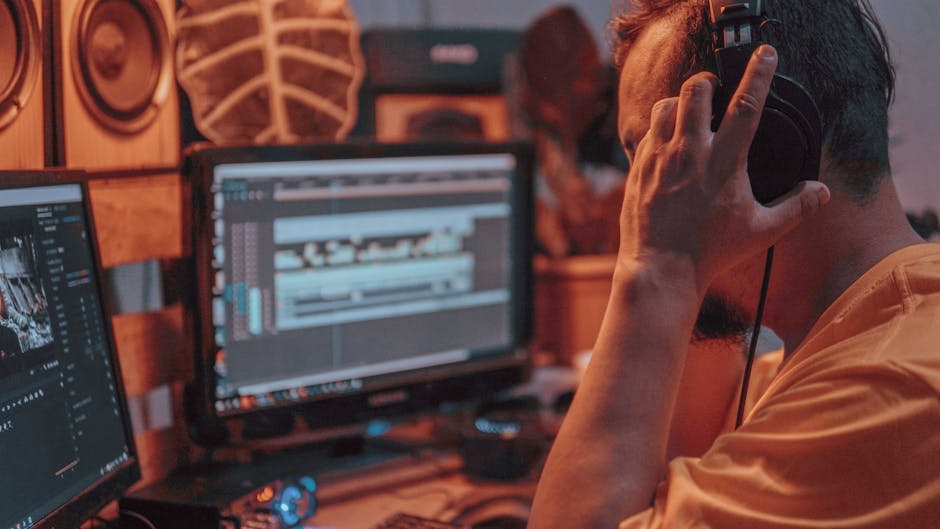
Acoustic treatment controls how sound bounces around your room. Without it, reflections muddy your recordings and make mixing hard.
Start simple. Add curtains, a rug, and some soft furnishings. Hang blankets or foam panels on the walls behind your mic and monitor setup. Target the spots where sound reflections are worst.
You don't need to treat every wall. Focus on the area between your mic and the opposite wall, and the spots directly beside and behind your monitors. Strategic treatment is cheaper than covering the whole room and often sounds better.
Bass is the hardest thing to treat. Low frequencies bounce around everywhere. Accept that your room will never be perfect. Build acoustic treatment gradually as your budget allows.
Add Headphones and Cables
You need studio headphones for recording (so you can hear yourself clearly without feedback) and mixing (so you hear detail in a different way than monitors show you).
Studio headphones sound flat and honest, just like monitors. They're different from regular headphones. Get a pair with a closed design to avoid leaking sound into your mic during vocal takes.
Stock up on quality XLR cables, USB cables, and headphone cables. Cheap cables fail, pick up noise, and waste your time. Good cables last years.
Where to Find Used Gear
Building a home recording studio setup on a tight budget? Used gear is your best friend. You can find microphones, interfaces, studio monitors, and other equipment secondhand at a fraction of the new price, with no quality loss.
OohYeah is a commission-free marketplace built for musicians and audio professionals buying and selling gear. Instead of handing a chunk of your money to a marketplace platform, sellers keep what they earn and pass savings to buyers. Whether you're hunting for an affordable audio interface, used studio monitors, or a solid condenser mic, you'll find gear from real musicians and studios who know what they're selling.
Start your home recording studio setup with used equipment. You'll save money, support musicians in your community, and get honest gear from people who actually use it.
Start Recording
Once you have a room, a computer, an audio interface, a DAW, monitors, a microphone, and basic acoustic treatment, you're ready to record.
Don't wait for perfect gear. Record now. Learn by doing. Your first songs won't be your best, and that's fine. Every session teaches you something about your setup, your room, and your craft.
Upgrade gradually. Sell gear you outgrow, buy better versions of tools you use daily. Save money by making smart equipment choices early, then reinvest profits back into your studio.
Your home recording studio setup is a long-term project. Build it thoughtfully, keep learning, and focus on making music you care about.
FAQ
Do I need an expensive setup to make professional recordings?
No. Professional-quality recordings come from good technique, a treated room, and decent gear—not from spending the most money. A mid-range setup in a well-treated space beats expensive gear in a bad room every time. Start with the essentials, learn them thoroughly, and upgrade based on what you actually need.
Can I record drums in a small bedroom?
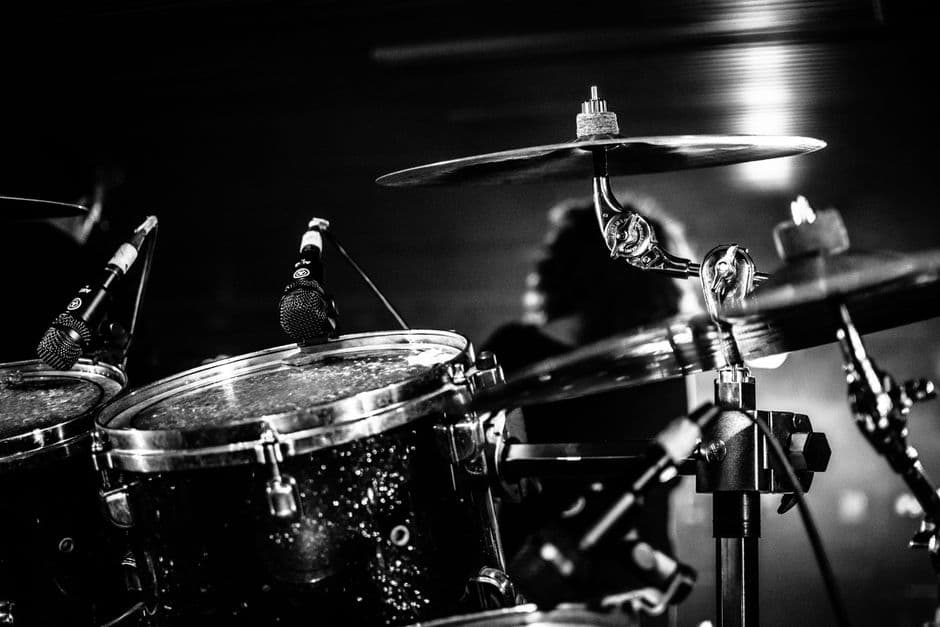
Yes, but it takes planning. A smaller room is actually easier to treat. Drums are loud, so focus on controlling reflections behind and beside your drum kit. You may need more acoustic treatment than a setup without drums. Alternatively, record drums with samples or a drum machine if space is tight.
What's the difference between studio monitors and regular speakers?
Studio monitors have a flat frequency response and show you exactly what's in your recording. Regular speakers boost certain frequencies to make music sound "fun." When you mix on flat monitors, your tracks sound balanced everywhere. When you mix on regular speakers, your mixes often sound bad on other systems.
How long does it take to build a home recording studio setup?
You can have a functioning setup in a few days if you buy everything at once. Most people build gradually over weeks or months, buying gear as budget allows. Start with essentials (computer, interface, DAW, mic, monitors), then add acoustic treatment and upgrades as you learn what you actually need.