Sound Studio Setup: Build Your Recording Space in 2026
Learn how to build a professional sound studio at home or in a commercial space. Budget tips, gear essentials, and acoustic treatment strategies inside.
October 6, 2026
Music Marketplace Advisor
Buying & SellingA sound studio is your creative hub for recording, mixing, and mastering audio—and you don't need to spend a fortune to get started. Whether you're tracking vocals, mixing beats, or mastering your band's EP, the right setup transforms your raw recordings into polished, professional tracks.
The truth? Most musicians think they need a huge budget and expensive gear to get studio-quality results. That's not how it works. What actually matters is smart planning, acoustic treatment, and equipment that fits your workflow.
Related: Best Professional Recording Studio Equipment 2026: Top 6 Ranked
What Exactly Is a Sound Studio?
A sound studio is a dedicated space equipped with recording, mixing, and mastering tools designed to capture and refine audio. It's where raw takes become finished tracks.
Related: Best Recording Studio Sound Panels 2026: Top 5 Ranked
Your sound studio doesn't need to fit one mold. It just needs to serve your goals—whether that's recording a podcast, laying down guitar tracks, or producing electronic music.
Home Sound Studio Setup: Where to Start
Building a home sound studio means making smart choices about space, acoustics, and gear. Here's the realistic breakdown:
Pick Your Space
- Any room works: bedroom, closet, basement, or spare office
- Avoid rooms with hard, reflective surfaces (bathrooms and kitchens are traps)
- Smaller rooms are actually easier to treat acoustically than cavernous spaces
Acoustic Treatment Comes First
This is where most home studios fail. You can buy the best microphone in the world, but if your room sounds like a bathroom, your recordings will too.
- Bass traps in room corners absorb low-frequency buildup
- Absorption panels on walls reduce reflections and echo
- Soft furnishings (curtains, rugs, bookshelves) naturally help
- Budget-friendly: blankets and foam can work as a starting point
Professional studios spend serious money on acoustic design because it matters that much. Your home studio doesn't need to be perfect, but it needs to be intentional.
Essential Gear for Your Sound Studio
You need four core pieces: an audio interface, microphone, monitor speakers, and headphones. Everything else supports these fundamentals.
Audio Interface
This is the bridge between your instruments and your computer. It converts analog signal to digital and back again. Start with a 2-in/2-out interface ($100-300) if you're recording one or two sources at a time.
Microphone
Your mic choice depends on what you're recording. Condenser mics excel at vocals and acoustic instruments. Dynamic mics work great for drums and loud sources. Budget $150-400 for a solid entry-level option.
Studio Monitors
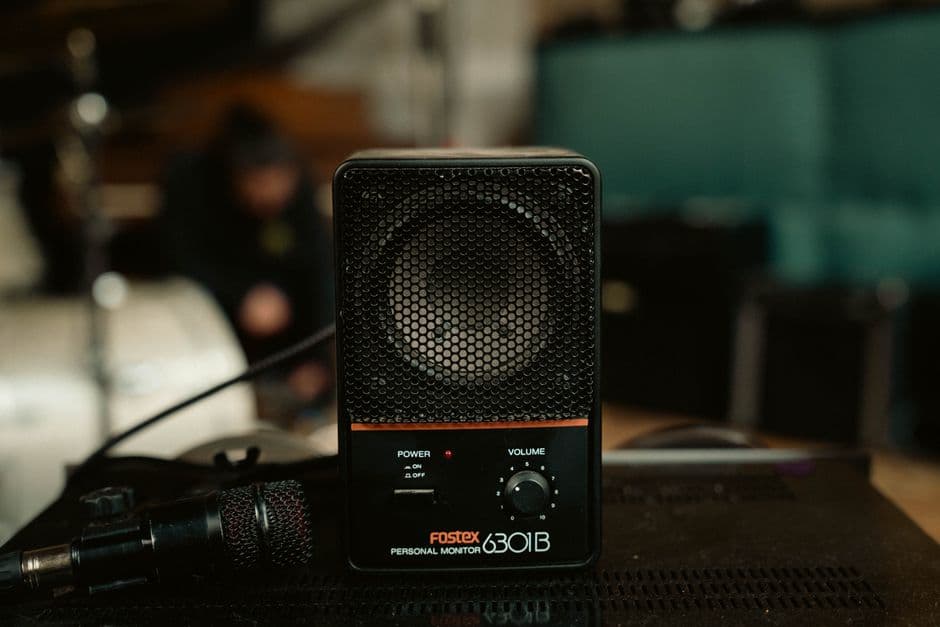
Powered studio monitors let you hear your mix accurately. Consumer speakers color the sound and lie to you. Invest in nearfield monitors (8-inch woofers) that reveal what's actually happening in your mix. Plan for $200-500 per pair.
Headphones
Get closed-back studio headphones for tracking and editing. Open-back headphones sound better for general listening but leak sound everywhere.
Sound Studio Budget Tiers

Here's what's realistic at different price points:
- $500-$1,500: Bare-bones home setup. Budget audio interface, entry condenser mic, basic monitors, basic headphones. Good for learning and demos.
- $1,500-$3,500: Solid project studio. Decent interface with more I/O, quality mic, good monitors, acoustic treatment basics. Release-ready recordings possible.
- $3,500-$8,000+: Semi-pro setup. Pro-grade interface, multiple mics, high-end monitors, serious acoustic treatment, software bundle. Professional results across genres.
The key? Don't stretch yourself financially. Keep your day job, fund your studio gradually, and avoid going into debt for gear. Patience beats desperation every time.
Software and Recording Tools
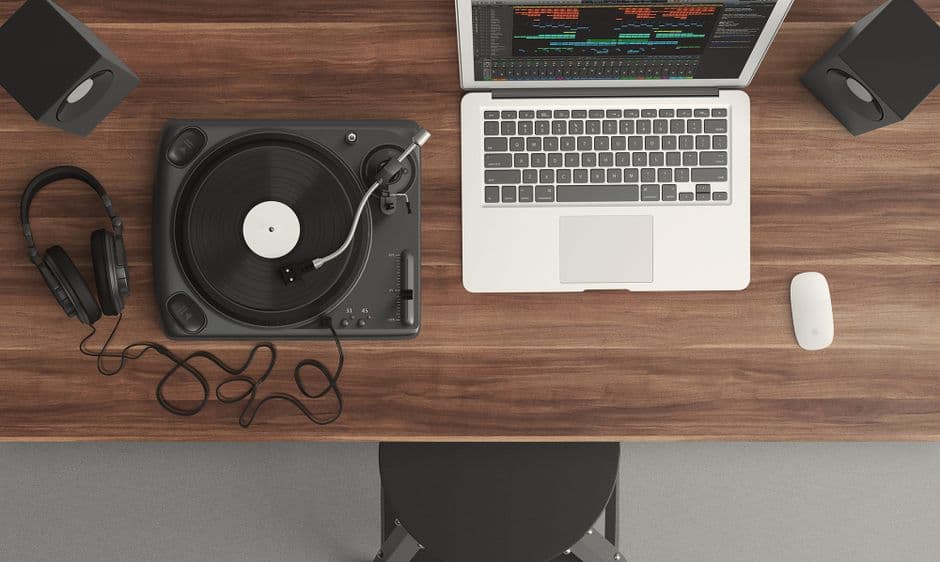
Your digital audio workstation (DAW) is where the magic happens. Popular options include Logic Pro, Ableton Live, Pro Tools, Reaper, and free options like GarageBand or Audacity.
Sound editing software like Sound Studio for Mac offers fast, intuitive audio editing with EQ tweaking, level adjustments, and digital effects. Many tools support batch processing for efficient workflows, and file export in all major formats so your finished tracks work everywhere.
You'll also want microphone preamps, compressors, EQ plugins, and reverb for professional mixing. Many of these come bundled with your DAW. Start with what you have. Buy plugins when you actually need them, not before.
Acoustic Treatment Strategy
This deserves its own section because it's that important. Poor acoustics ruin good gear.
First Priority: Bass Traps
Low frequencies build up in corners. Place bass traps (thick absorptive material) in every corner, especially behind speakers and around your mixing position.
Second Priority: Wall Absorption
Cover 20-30% of your wall surface with absorption panels. Focus on the wall behind your speakers and the wall you face while mixing.
Third Priority: Diffusion
Diffusion scatters sound instead of absorbing it, maintaining liveliness without muddiness. Add diffusion panels after absorption is handled.
Start simple and measure. Use a phone app to check your frequency response before and after treatment. You'll hear the difference immediately.
Finding Gear for Your Sound Studio

Once you know what you need, shopping gets real. Advanced online retailers offer comprehensive product videos and detailed customer reviews so you can make informed purchasing decisions before dropping money.
But here's the thing: used gear is where smart musicians save serious cash. A used SSL compressor from 2010 works exactly the same as a new one. Same with microphones, interfaces, and monitors.
If you're building a sound studio on a budget, buying used gear opens up options you couldn't otherwise afford. Platforms like OohYeah let you browse used recording equipment, microphones, studio monitors, audio interfaces, and pro audio gear from other musicians and studios in your community. No marketplace commissions eating into prices. Direct sales mean better deals for buyers and fair pricing for sellers.
Commercial Sound Studios vs. Home Recording
Sometimes you need a pro facility.
Home studios are great for songwriting, demos, and self-produced records. Commercial studios excel when you need world-class acoustics, high-end gear you don't own, or experienced engineers.
The best approach? Build your home sound studio for regular work, and book time at commercial studios for specific sessions where their specialized equipment and expertise make the difference.
Maintenance and Upgrades
Your sound studio evolves. You'll outgrow gear. You'll identify weak links in your chain. That's normal.
Plan upgrade cycles: after one year, identify what's limiting your recordings. After two years, you'll know exactly what you need next. Rushing upgrades is how musicians waste money on gear they don't actually use.
When you upgrade, sell your old equipment. Whether it's a used audio interface, old studio monitors, or microphones you've moved past, OohYeah gives you a straightforward way to get fair value for used music gear without marketplace commissions taking a cut.
Can I build a professional sound studio on $1,000?
Yes, if you're strategic. You'll have a solid starter setup.
What's the difference between a sound studio and a music production setup?
A sound studio focuses on recording, mixing, and mastering audio. A music production setup includes instruments, MIDI controllers, synthesizers, and beat-making tools. Many home setups combine both.
Do I need professional acoustic treatment for a home sound studio?
Professional treatment helps, but intentional treatment matters more than expensive treatment. Foam panels, bass traps, and strategic soft furnishings do the job at a fraction of professional pricing. OohYeah hosts used acoustic treatment gear if you're looking to save even more.
What software do I use for my home sound studio?
Start free: GarageBand, Audacity, or Cakewalk by BandLab. Graduate to Logic Pro, Ableton, or Reaper once you know your workflow. Most professionals use DAWs they could afford when learning. Pick one and commit to mastering it before switching.