Best Home Music Studio Setup for Beginners in 2026
Build a professional home music studio on any budget. Learn the essential gear, acoustic treatment, and setup steps to start recording quality music today.
November 12, 2026
Music Marketplace Advisor
Buying & SellingYou're ready to stop paying studio rental fees and start making music on your own terms. A home music studio isn't just possible anymore—it's the standard for serious musicians, producers, and engineers who want creative control and keep more money in their pocket.
The good news? You don't need to spend a fortune or fill an entire room. A solid home music studio starts with just a few core pieces of gear, the right space, and a clear plan. Let's walk through exactly what you need and how to build it without guessing.
Choose Your Space First
Before you buy anything, pick the room where your home music studio will live. This decision shapes everything else.
The best rooms are small to medium-sized with hard surfaces nearby (not ideal, but manageable) or already soft materials like carpet, curtains, or furniture. Basements, bedrooms, and closets work great. Avoid rooms with parallel walls facing each other directly—those create flutter echo and make your recordings sound boxy.
Think about noise too. Can you control outside sound (traffic, neighbors, HVAC systems)? Can people in your home respect quiet recording sessions? A room with a door you can close is essential.
Once you lock in your space, measure it. You'll need the dimensions when planning acoustic treatment and equipment placement.
Get a Computer That Can Handle the Work
Your computer is the engine of your home music studio. It runs your recording software (called a DAW, or digital audio workstation) and processes audio in real time.
Related: Best Audio Interface for Home Studio 2026: Top 5 Ranked
You don't need the latest gaming laptop or an expensive workstation. What you need is enough processing power and storage to record multiple tracks, layer effects, and mix without lag or crashes.
Look for a computer with at least a modern multi-core processor, 8 GB of RAM (16 GB is better), and solid-state storage with at least 256 GB free. Macs and PCs both work—choose based on what you already know or prefer.
Budget for an external hard drive too. Audio files are large, and you'll want backups of your projects.
Invest in a Quality Audio Interface
An audio interface bridges your instruments, microphones, and headphones to your computer. It's the hardware that converts sound into digital data your DAW can record and process.
For a home music studio, you need an interface with at least two inputs (one for a microphone, one for an instrument like a guitar or keyboard) and two outputs (for monitors and headphones). USB-powered interfaces are convenient and require no extra power supply.
The interface you choose affects sound quality directly. A well-made interface gives you clean recordings with minimal noise and distortion. Many musicians on OohYeah buy and sell audio interfaces to upgrade as their skills grow, so you can start mid-range and swap later without shame.
Focus on specs like sample rate (44.1 kHz or 48 kHz is standard), bit depth (24-bit is the pro standard), and low latency (under 10 ms is ideal so you don't hear delay when monitoring yourself).
Add Studio Monitors and Headphones

You need accurate speakers to hear what you're actually recording and mixing. Regular consumer speakers color the sound and lie to your ears. Studio monitors are engineered to be flat and honest.
A pair of powered monitors (they have built-in amplifiers) is the standard for home music studio setups. Position them at ear level, roughly six feet apart, forming an equilateral triangle with your listening position.
Related: Best Home Studio Gear for Beginners: Budget-Friendly Setup
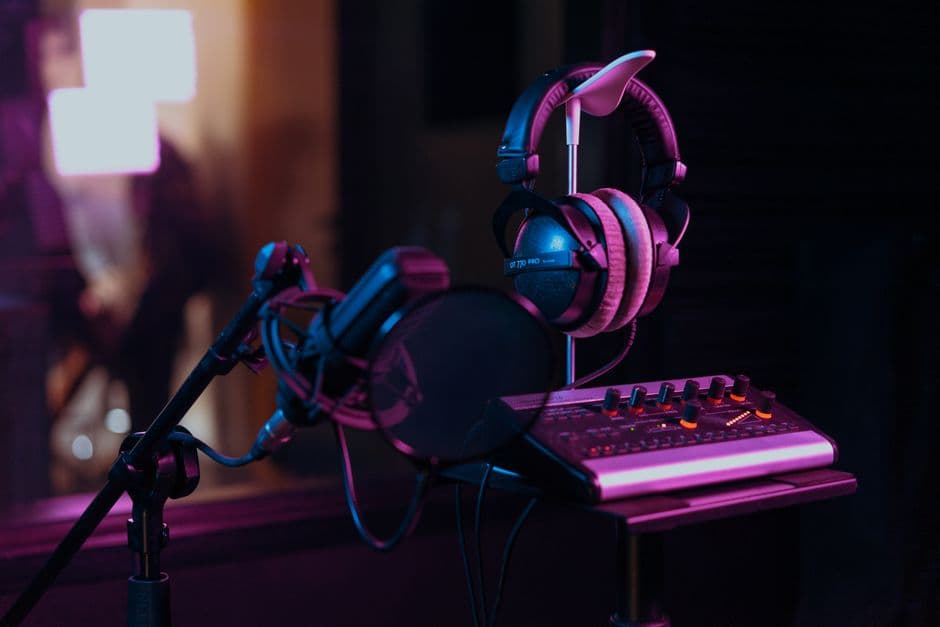
Good studio headphones are your second line of defense. Use them to catch details your monitors miss, especially in quiet sections or late at night when you can't crank speakers. Closed-back headphones work best for recording because they don't leak sound into your microphone.
Treat Your Room Acoustically
Acoustic treatment stops sound from bouncing around your home music studio and muddying your recordings. This is where amateurs stumble and professionals shine.
You don't need to foam-panel your entire room. Start with strategic placement: bass traps in corners (where low-frequency buildup happens), absorption panels on first-reflection points (the spots between your monitors and your ears where sound bounces first), and diffusion if you have budget left.
DIY options like thick blankets, moving blankets, and rockwool in frames work surprisingly well and cost less than commercial panels. The goal is to reduce echo and standing waves enough that your mixes translate well to other speakers and headphones.
Test your room by clapping sharply and listening. Excessive echo means you need more treatment. Dead, muffled sound means you've overdone it—aim for a healthy middle ground.
Microphone Selection Matters
The microphone you choose depends on what you're recording. A large-diaphragm condenser mic is versatile for vocals and acoustic instruments. A dynamic mic works great for drums, amps, and loud sources. Ribbon mics add color to guitars and strings.
Start with one good microphone instead of three mediocre ones. You'll use it for 90 percent of your recordings anyway.
Pair your microphone with an XLR cable, a mic stand, and a pop filter (to reduce plosives on vocal recordings). These aren't optional—they're part of your core setup.
Add Instruments and Cables
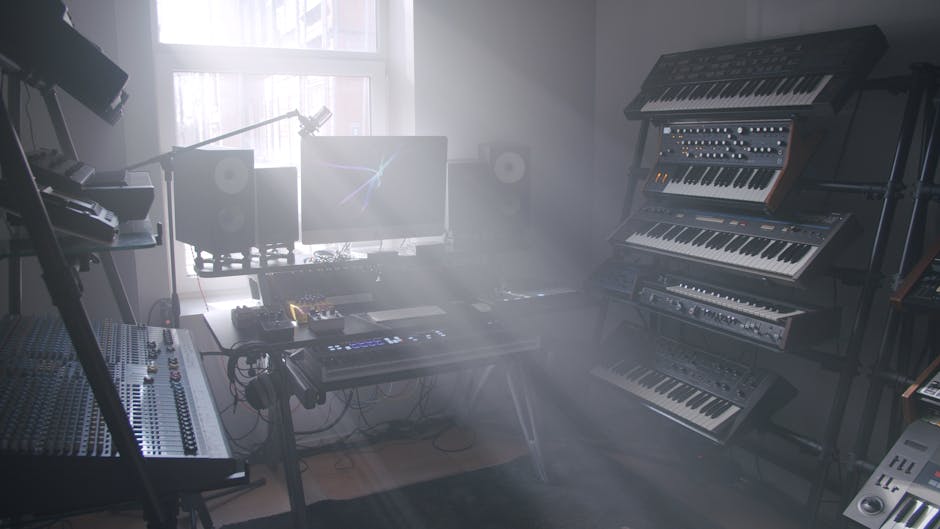
Your home music studio should include the instruments you plan to record. If you're recording guitar, bass, keyboards, or live drums, have them ready and in decent shape.
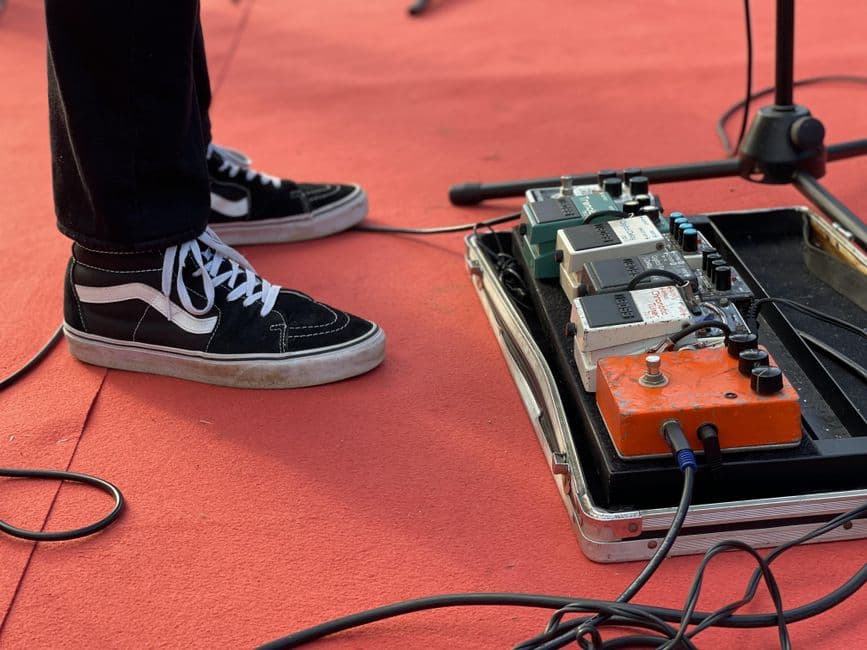
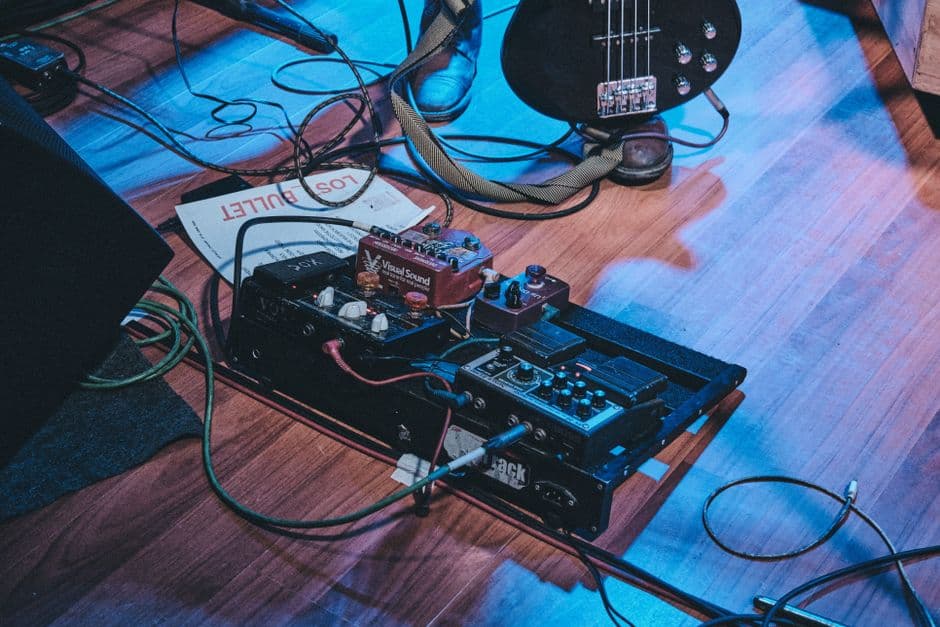
Stock up on quality cables (XLR, instrument, USB) because bad cables introduce noise and signal loss. Label everything so you know what's plugged in where.
If you're building a setup to sell gear later or upgrade over time, OohYeah makes it easy to list used music gear without marketplace commissions eating your profit. Serious musicians buy and sell gear constantly, and you deserve to keep what you make.
Choose Your DAW and Get Recording
Your digital audio workstation is the software where you record, arrange, mix, and master. Common choices include Ableton Live, Logic Pro, Pro Tools, Reaper, and Studio One.
Pick one based on your music style and budget. Many DAWs offer free or affordable entry-level versions to start. You can always upgrade or switch later.
Once it's installed and your audio interface is connected, run the setup wizard, test your inputs and outputs, and record a quick test track. Make sure you hear yourself clearly with minimal delay.
Plan for Growth and Upgrades
Your home music studio will evolve. You'll outgrow your first microphone, want better monitors, or realize you need a preamp to warm up your vocals.
Build your setup in phases. Start lean with the essentials (computer, interface, one mic, monitors, headphones, and acoustic treatment). Record and mix for a few months. Then identify what's holding you back—that's what you upgrade next.
This approach keeps costs manageable and helps you learn what you actually need instead of guessing. Many musicians follow this path, and the used gear market is strong for everything from vintage preamps to last year's studio monitors.
FAQ: How much space do I need for a home music studio?
A bedroom, spare office, closet, or even a corner of your living room can work. Aim for a room where you can close the door and control sound. Bigger rooms are nice but not necessary—acoustic treatment and smart placement matter more than square footage.
FAQ: Can I record professional-quality music at home?
Yes, absolutely. With the right gear, treatment, and technique, a home music studio produces recordings that rival expensive commercial studios. The difference is your skill and patience, not the address.
FAQ: What DAW should I choose for my home music studio?
Start with whichever DAW fits your budget and music genre. Logic Pro is excellent for Mac users, Ableton Live dominates electronic music and performance, Pro Tools is the industry standard for mixing and mastering, and Reaper offers incredible value. Most work equally well for beginners. Try a free version first if available.
FAQ: How do I sell my old studio gear if I upgrade?
When you're ready to sell microphones, interfaces, monitors, or other music gear you've outgrown, list it where musicians actually shop. Keep more of what you earn by avoiding high marketplace commissions. That's why many producers and engineers trust places like OohYeah to buy and sell music gear directly with other musicians who understand the value of quality equipment.