Where to Download Music Legally: 10 Options Compared 2026
Find where to download music legally: 10 stores and free archives compared by price, formats, and usage rights, plus how to verify a license.
November 20, 2026
Music Marketplace Advisor
Buying & SellingYou found the song. It's been on repeat in your streaming app for a month, and now you want the file: something you can drop on a hard drive, play on a flight, or keep when a licensing deal pulls it from the catalog next year.
That's a second purchase, not a feature of the first. A subscription buys listening. A file has its own price, its own terms, and its own permanence.
Then there's the other search, the free one. You need a track for a video, a podcast intro, or a DJ set, and the results are a pile of pages offering the current chart as a download. Free to download and free to reuse are different permissions, and most of those pages only grant the first one, if they grant anything at all.
So this is a practical map of where to download music legally, split by what lands on your drive. The first nine entries are stores. You pay, you get a file, or in a few cases a licensed track with terms attached. The last is a free archive where every track carries its own license and every download needs a check. Knowing which of those two things you're doing is the whole skill.
1. OohYeah
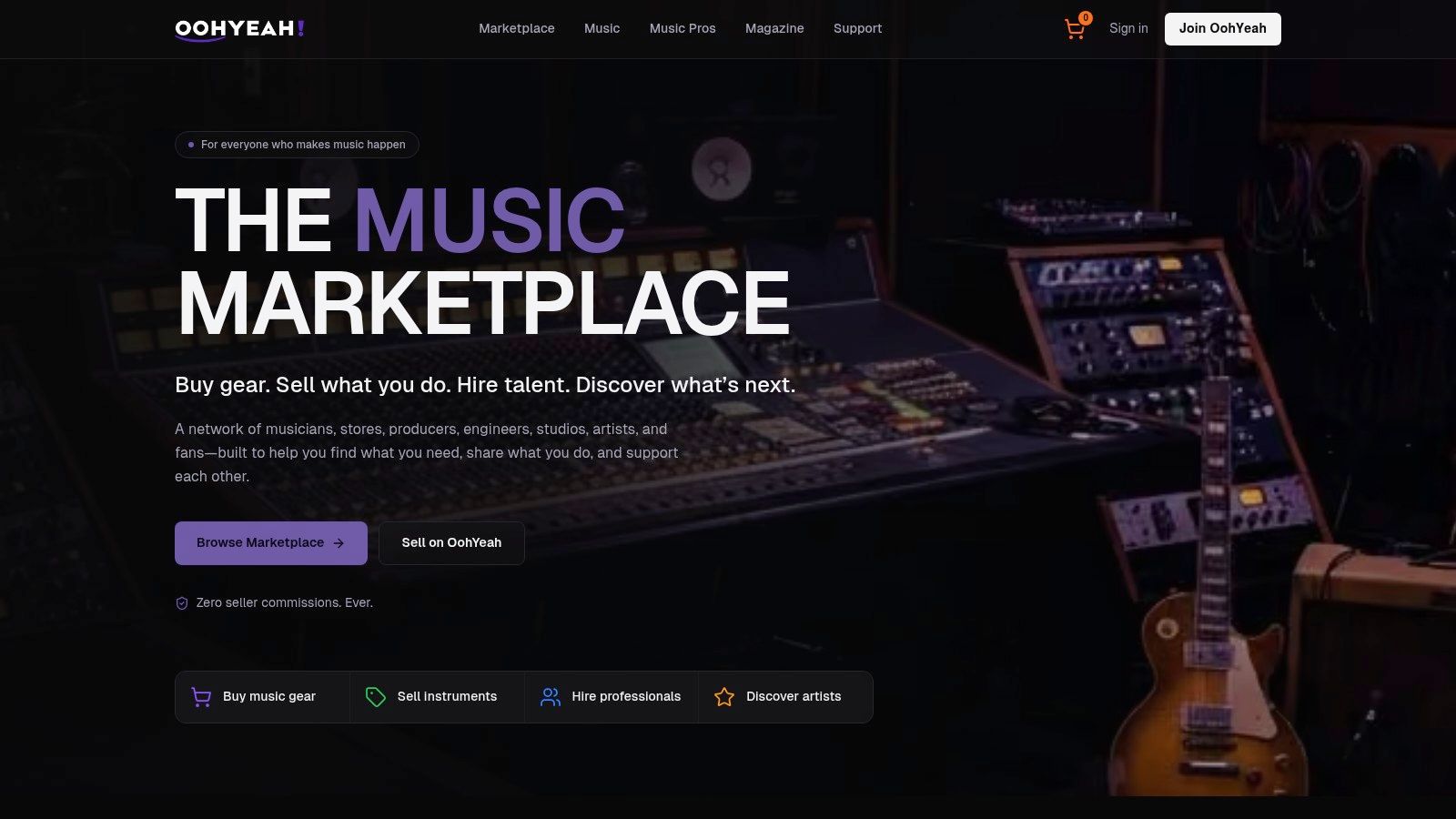
OohYeah runs as a music marketplace rather than a catalog store. Artists list music, merchandise, digital products, subscriptions and exclusives, and fans buy directly from the person who made the thing. Sellers pay zero commissions, so the price on a listing sits closer to what the artist keeps than on a storefront that takes a cut of every sale.
For this list, that matters because ownership and artist support are the two reasons anyone still buys a file. The wider market treats downloads the same way. IFPI's 2025 Global Music Report tracks downloads alongside streaming and physical formats across 58 markets, which describes how a buyer behaves now: you stream to find something, then pay to keep it.
What You Actually Receive
A purchased track, not an access token. Purchases sit under My Purchases, split into Purchased Music, Purchased Singles and Purchased Albums, so you can tell at a glance what you own versus what you're only streaming. It runs on web, iOS and Android, and it doesn't replace streaming. It adds a direct path beside it.
The marketplace side is wider than music. The same account can buy instruments and pro audio gear, or hire session players, producers, engineers and studios through Music Pros. That's useful when a download purchase turns into needing a bass player for the track you just bought.
What it does well: zero seller commission, direct contact with the artist, and one place for files, merch and services.
What it doesn't do well: it's a marketplace, so the catalog depends on which artists list there, and you should confirm currency, payment terms and refund rules before checkout. Digital goods here are generally non-returnable after download or use, which is standard but worth reading first.
Site: OohYeah.
2. Bandcamp
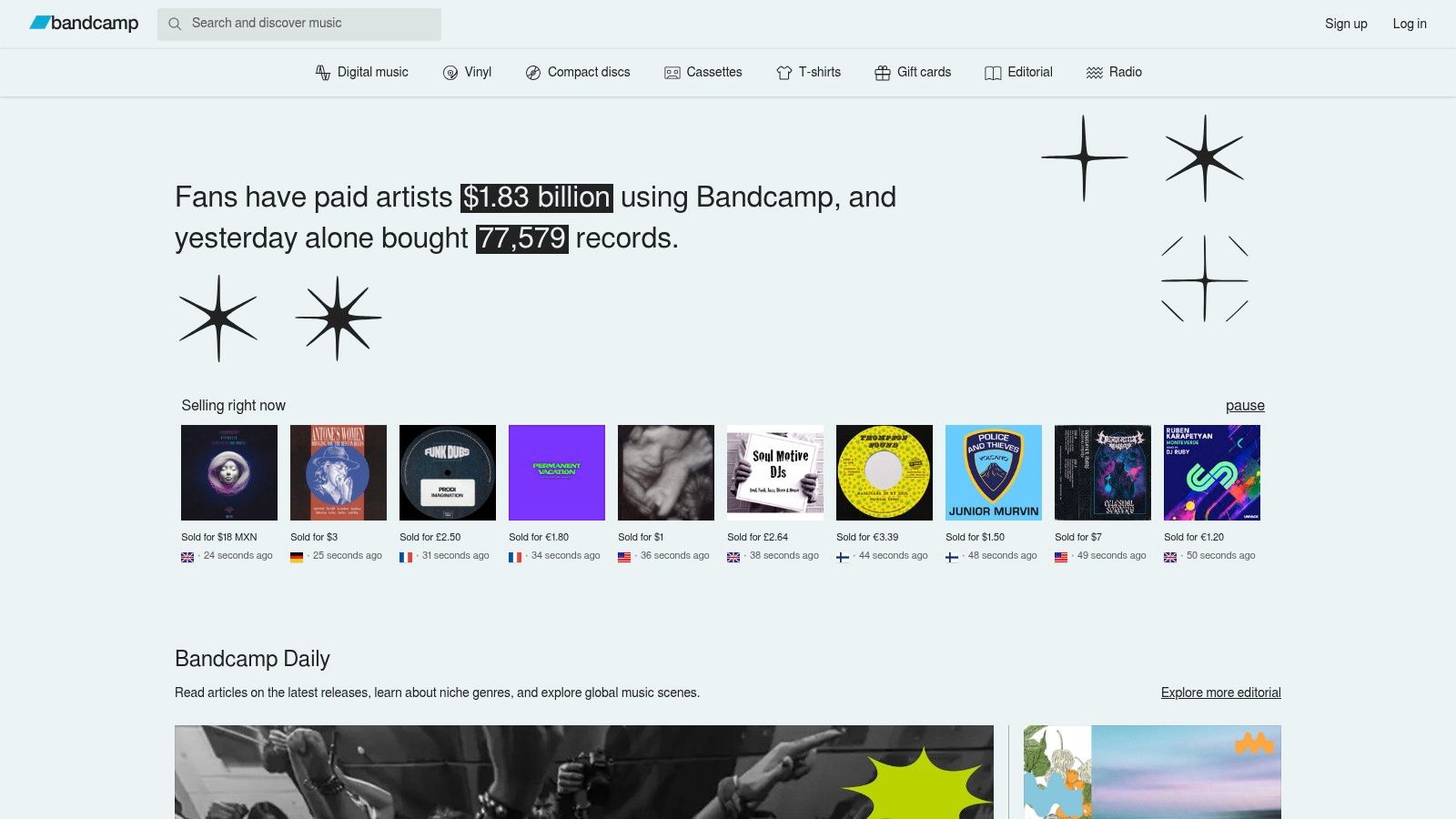
Bandcamp is the closest thing to buying from the merch table. Independent artists and labels run their own stores, set their own prices, and you pay them directly. Some releases are name-your-price, sometimes with a minimum, and the artist picks which formats to offer.
The ownership question gets answered properly here. WIPO's overview of the digital music landscape describes downloading as transmission of a complete file while noting that protected music may still need valid service credentials to decrypt and play it. That distinction separates a Bandcamp purchase from an offline save in a streaming app. One is a file you keep. The other stops working when the subscription does.
The Check Before You Pay
- Format list: purchases may come in MP3, FLAC, ALAC, WAV and AIFF, and the release page shows which ones you get.
- Re-download access: confirm the purchase stays in your collection so you can pull it again after a drive failure.
- License scope: a download covers listening. It doesn't license a sync to video, a remix, or a vinyl pressing.
Those limits are normal and consistent across licensed stores. The mistake is assuming a file you own is a file you can reuse commercially.
If you want the longer version of the rights-versus-access distinction, OohYeah's platform guides walk through it without the legal fog.
Store: Bandcamp.
3. Qobuz Download Store
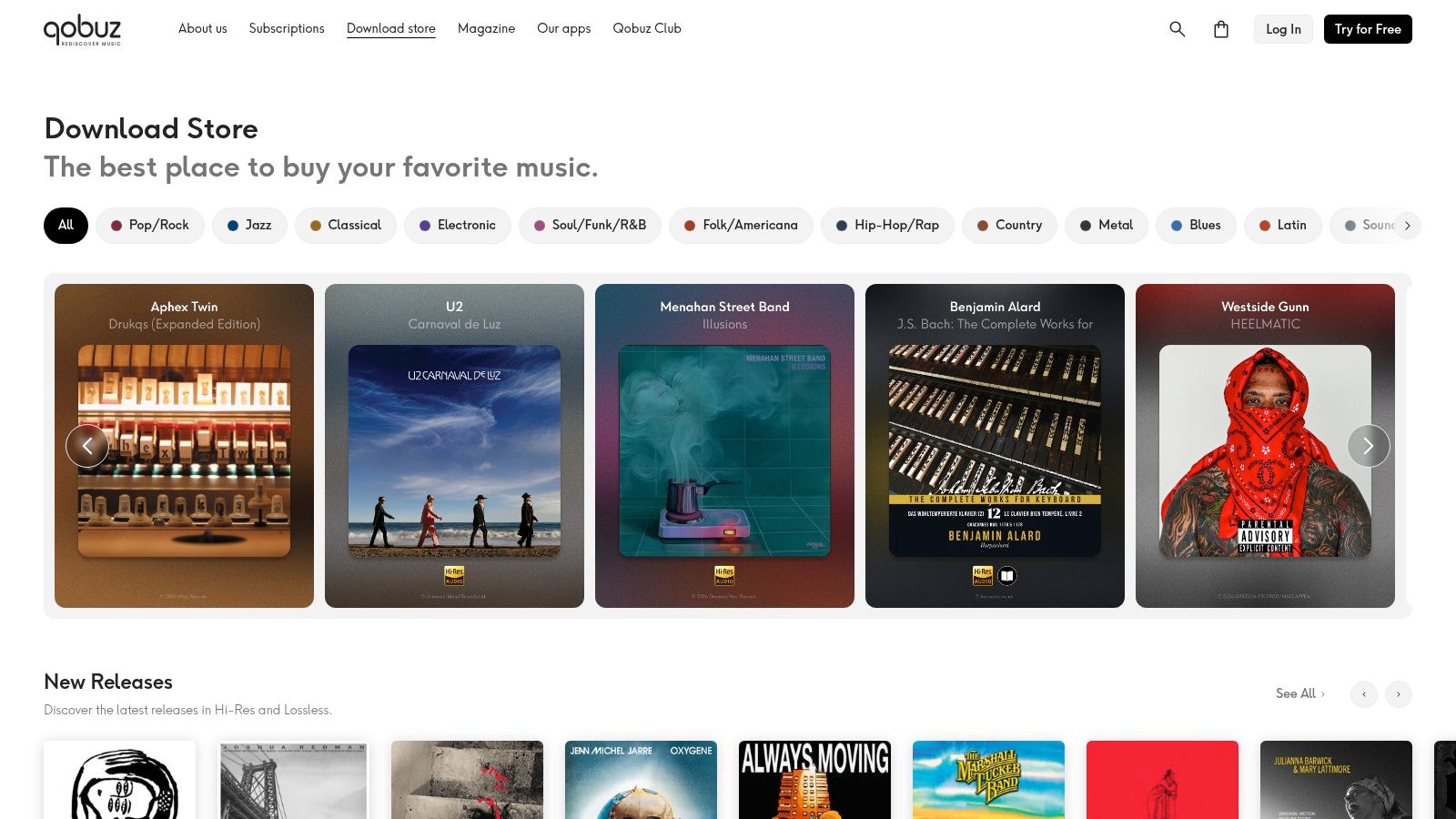
Qobuz separates listening from buying. Its store sells individual tracks and albums, including high-resolution releases where the label supplies them, and you don't need a streaming subscription to check out. That makes it one of the few mainstream options built for people assembling a local library rather than renting one.
Two things to know before you spend.
Buy the mastering, not the badge. A high-resolution edition isn't automatically a better master. Some albums are remastered for the hi-res release; others are the same transfer at a larger file size. Compare the release notes and the year before paying a premium.
Storage adds up. A serious lossless library wants an external drive and a backup, not a laptop with 40 GB of free space.
Cost varies by release, and the hi-res version usually costs more than the standard one, so check the format on the product page instead of assuming one price per album.
The test: if a store won't show you sample rate and bit depth before checkout, it isn't selling you a high-resolution file. It's selling you a label.
New to buying files? The OohYeah buyer guide sets out what a receipt, a download link and a license should tell you before money changes hands.
Store: Qobuz download shop.
4. Amazon Music Digital Store
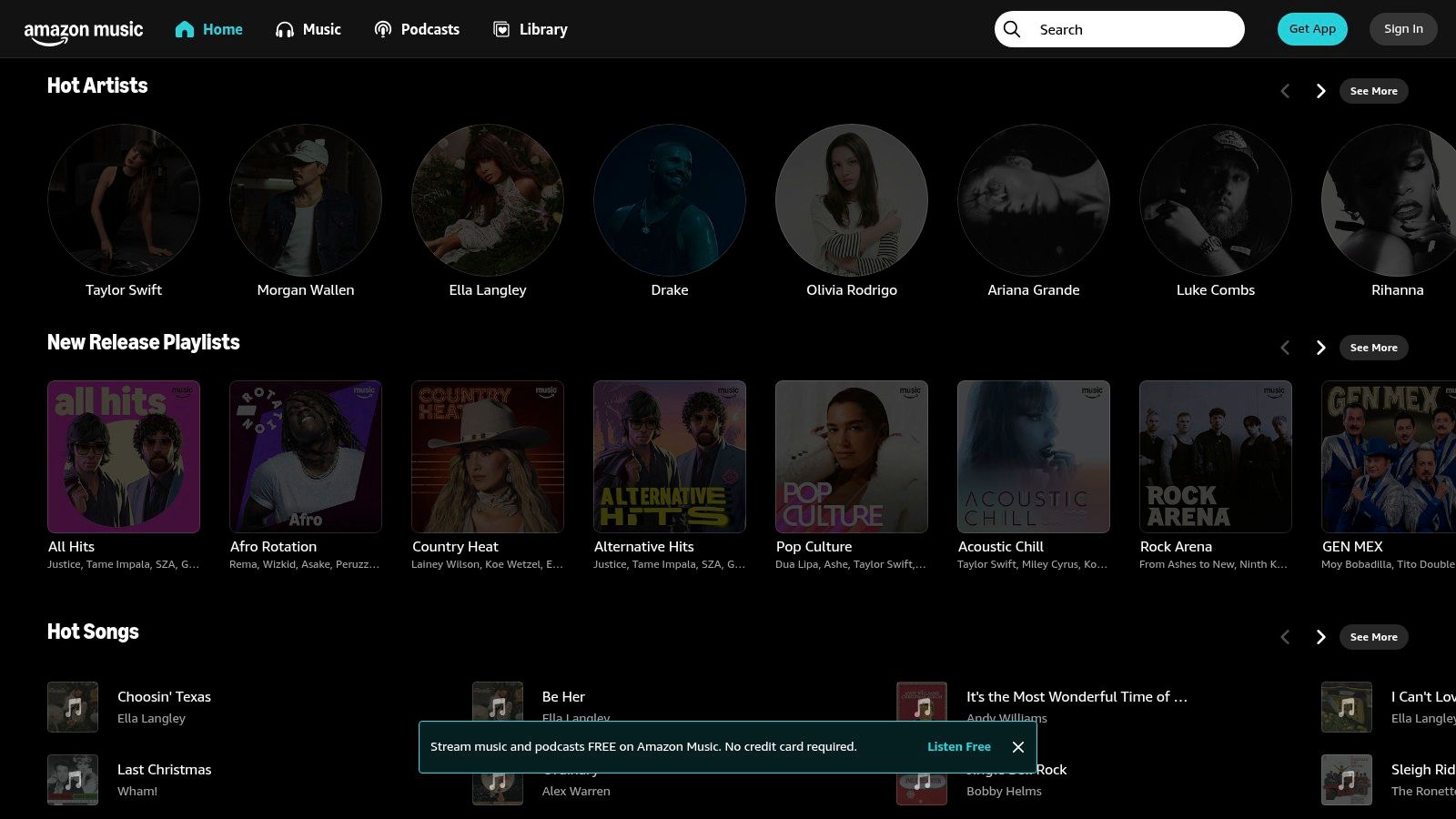
Amazon still sells downloads, but the storefront sits underneath its streaming service. Search a release and you may land on a streaming album page with no purchase option at all. When a buy button does appear, you're paying per track or per album, and the purchase attaches to your Amazon account.
The category is contracting, and the numbers explain why store features get neglected. RIAA's mid-year 2024 report recorded total digital-download revenue of $189.7 million in the first half of the year, down 15.8% year over year, with paid download singles falling from 76.8 million to 62.4 million units. A smaller market doesn't make your purchase unsafe. It does mean the download flow gets less product attention than the streaming app.
What to Check at Checkout
- Purchase versus stream: confirm the page says buy, not just play.
- Download route: find where the files land in the app or your account library before you need them.
- Your own backup: copy anything you'd be annoyed to buy twice onto a drive you control.
Account-level problems are the weak spot at a retailer this size. OohYeah's buyer protection notes explain what evidence to keep, and the same habit applies here: save the order confirmation and the track list.
Store: Amazon Music.
5. Apple's iTunes Store
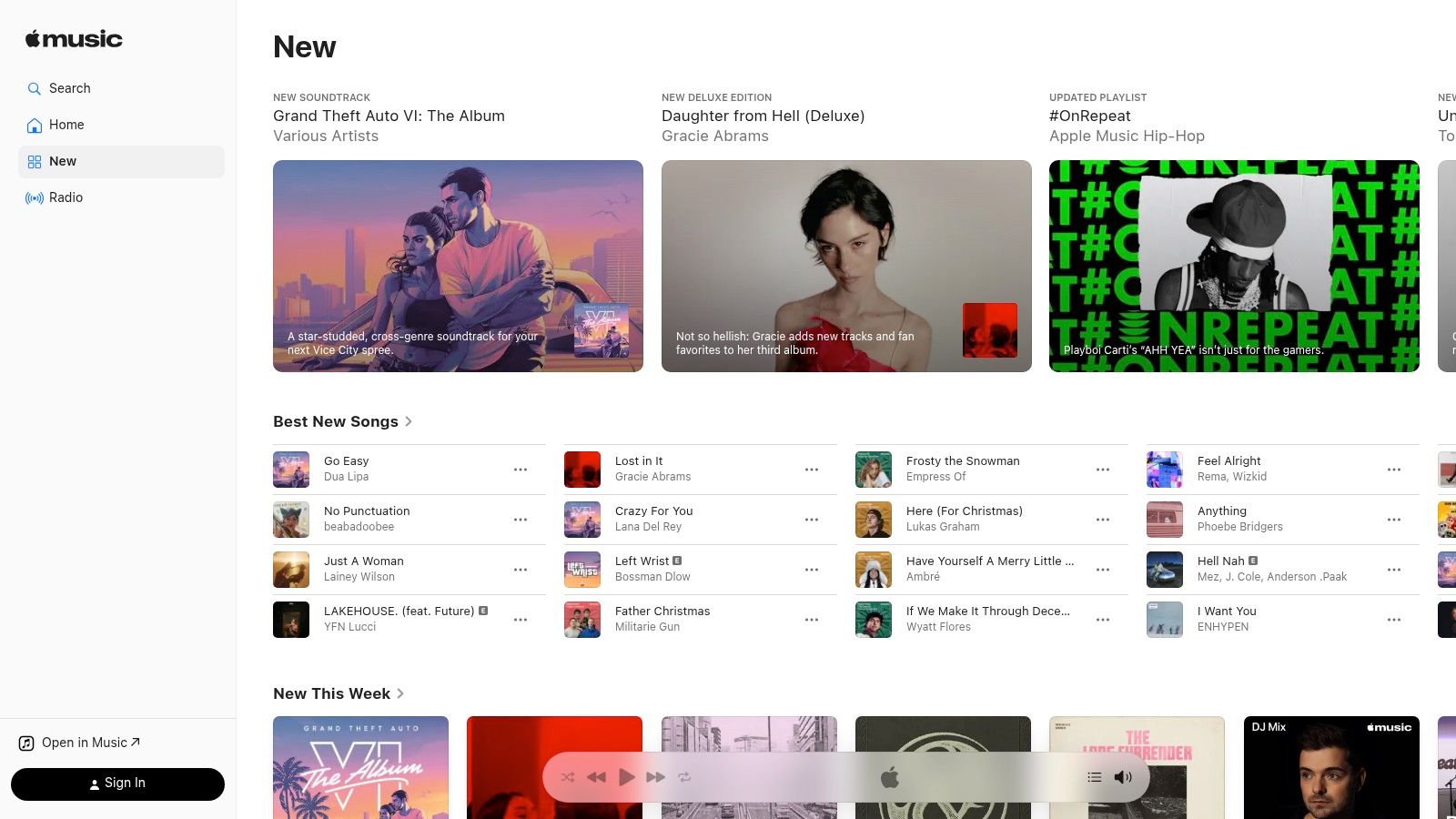
The iTunes Store is the last of the original download shops still operating at mainstream scale, and its history is the clearest picture of what happened to the format. RIAA's 2024 year-end report notes that digital downloads peaked in 2012 at 43% of U.S. recorded-music revenue and had fallen to 2% by 2024.
That's not a reason to avoid it. It's a reason to know exactly what you're buying. An album purchase is separate from an Apple Music subscription, it downloads on supported iPhone, iPad, Mac and Windows devices, and it stays in your library.
What it's good at: à la carte buying inside an ecosystem you may already use, with singles and albums handled in one flow.
Where it falls short: the purchase experience is centered on Apple's devices and software, and buying a recording grants no permission to reuse it in a video, a podcast or a remix.
Check that the title you're buying is the edition you want. Deluxe versions, remasters and regional track lists differ, and once the file is downloaded a refund is unlikely.
Store: Apple Music.
6. HDtracks
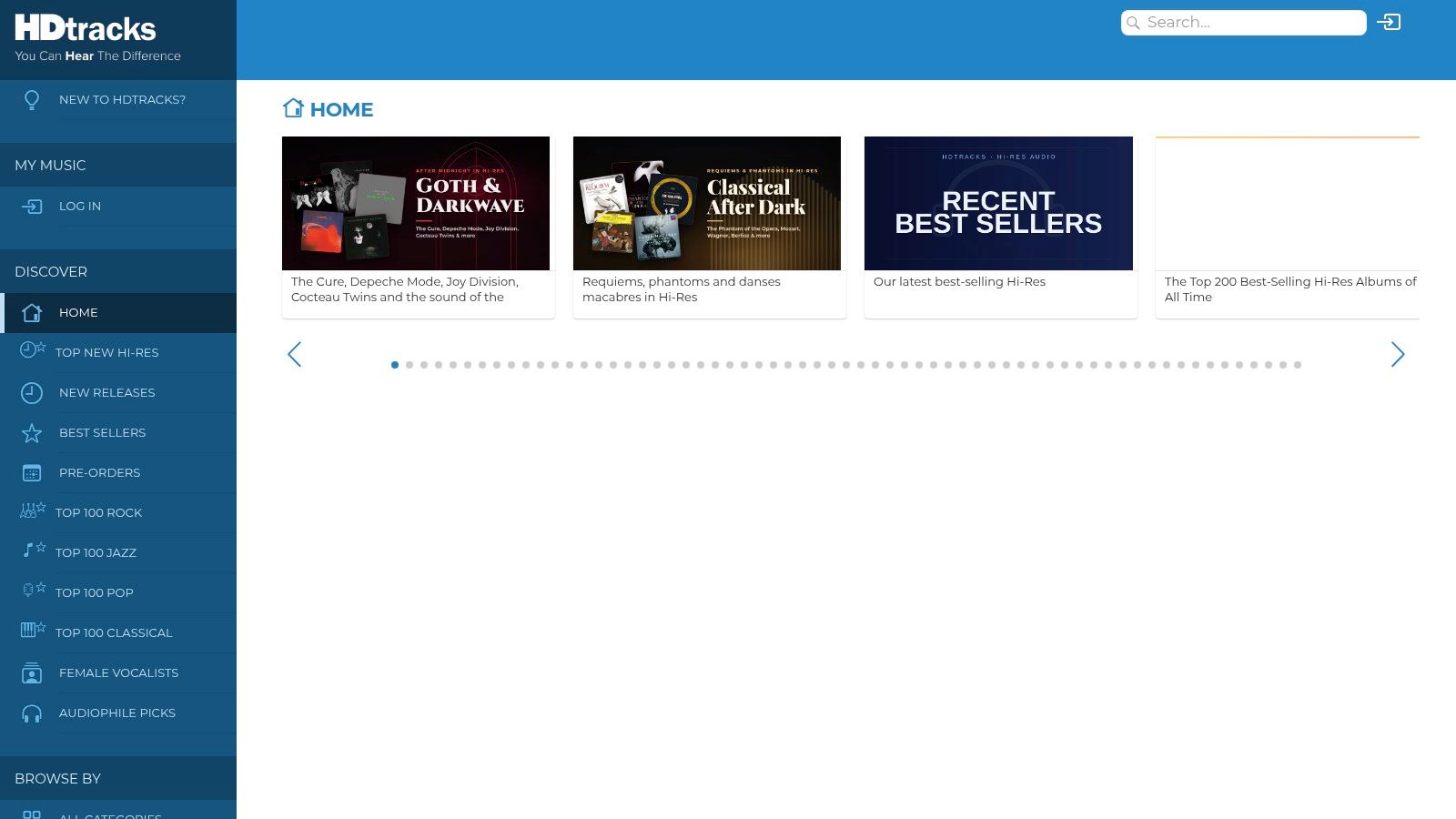
HDtracks is built around high-resolution editions, and its listings publish format and audio-resolution details for many releases. That's the useful part. You can compare a 24-bit remaster against the standard album before buying instead of guessing from a badge, and the catalog runs across jazz, classical, rock and pop.
Specifications only help if the metadata behind them is right. The Accessible Books Consortium's digital music overview describes DDEX standards such as ERN for sending release information to digital services and DSR for reporting sales, usage and revenue, and the U.S. Copyright Office treats DDEX as a de facto standard for exchanging digital music supply-chain data. For a buyer, that machinery shows up as clean artist pages, correct credits and a track that matches its title.
The Practical Downsides
High-resolution files take real space, and they need playback gear that can use them. Running a 24-bit file through a laptop headphone jack doesn't undo the purchase, but it means you paid for resolution you can't hear. Not every title is offered in every format or resolution either, so check the edition rather than the store's reputation.
An optional downloader handles retrieval, which is worth using on a large order instead of clicking file by file.
Store: HDtracks.
7. Beatport
Beatport is a DJ store, not a general record shop. It sells electronic releases at track level, with charts, genre categories and new-release browsing organized around how DJs shop: find a track, preview it, buy that one track.
That focus is both the point and the limit. If you want a specific remix, an extended mix or a track from a set you heard, Beatport probably has it. If you want a classic rock album, you're in the wrong shop.
Before You Buy
- Version: check whether you're getting the original, the extended mix or a remix. They're separate products with separate prices.
- Format: pick what your DJ software or player handles cleanly instead of converting after the fact.
- Re-download policy: read the current store terms before you wipe a drive.
Buy the mix you'll actually play. A radio edit bought by mistake is money gone, because DJ stores rarely refund a completed download.
Prices and format options vary by track, so read the product page rather than the genre landing page.
Store: Beatport.
8. Traxsource
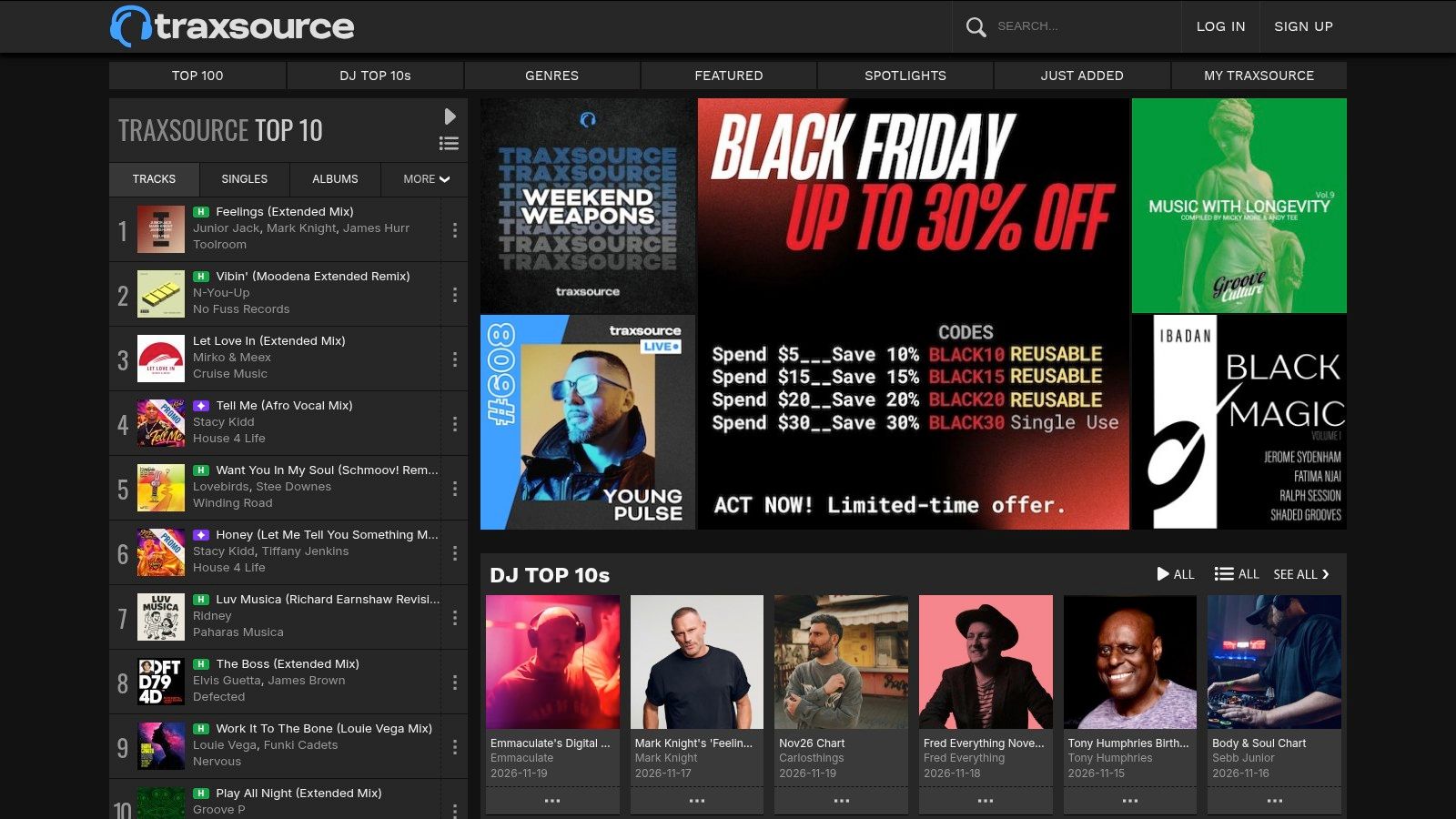
Traxsource digs into house and underground dance music, with genre browsing and DJ charts rather than a broad catalog. Its support information lists 320 kbps MP3 and uncompressed 16-bit AIFF or WAV downloads, and an account is required to shop.
The file choice is the key decision. A 320 kbps MP3 is fine for a USB stick and a club system. An uncompressed 16-bit AIFF or WAV takes up more storage but won't degrade if you edit or re-export it. Decide at checkout, because changing your mind later usually means buying again.
Reading the Terms
Store terms limit how purchased downloads can be used and shared. That's normal, and it doesn't block DJ performance the way people fear. What it does rule out is uploading the file to a share site or folding it into a release of your own.
A desktop downloader helps organize a big order, which matters when you buy twenty tracks in one sitting and don't want to rename files by hand.
Store: Traxsource.
9. Volumo
Volumo is a smaller electronic store aimed at DJs and independent releases. Curated charts do the discovery work rather than a search box alone, and the catalog covers dance subgenres rather than pop, rock or classical.
Worth knowing before you browse.
- Formats: MP3, WAV, AIFF and FLAC are supported, and you choose after purchase on eligible releases.
- Catalog depth: availability depends on labels and distributors supplying releases, so a gap isn't a glitch you can fix by emailing support.
- Payouts: the store positions itself around paying rights holders directly, which is the reason to buy from a niche shop instead of a converter.
The trade-off is scale. A small store means fewer releases, thinner previews and slower additions. What you get back is curation and a shorter path from your payment to the person who made the track.
Format options and prices vary by release, so check the product page before adding to a cart.
Store: Volumo.
10. Free Music Archive
Free Music Archive is the honest kind of free. Independent artists upload tracks under Creative Commons, U.S. public-domain or other stated licenses, and each track page names the license that applies. There's no blanket permission, and that's the entire point.
Free downloads are still a live piracy substitute, which is why the license check matters more than the convenience. IFPI's Engaging With Music report found that almost 29% of respondents used illegal or unlicensed methods to download or listen to music, with stream ripping a major form of infringement. Much of that isn't defiance. It's people who couldn't find the track they wanted under clear terms.
The License Check
- Commercial use: many Creative Commons licenses exclude it. Confirm before a track goes into an ad or a monetized video.
- Edits and remixes: allowed only where the license permits derivative works.
- Attribution: required by most of these licenses, and it means crediting the artist the way the license specifies.
- Public domain: a public-domain composition does not make a modern recording of it free to use.
A free download is not a copyright-free recording. Read the track page before the download finishes.
Archive: Free Music Archive.
How the 10 Legal Music Sources Differ on Price, Formats, and Best Use
| Item | Pricing model | Download formats | Best for |
|---|---|---|---|
| OohYeah | Sellers pay zero commissions; buyer fees and subscription pricing are unspecified | Download formats not specified | Artists, fans, and music professionals seeking a combined marketplace and creator network |
| Bandcamp | Release pricing varies; some music is name-your-price | MP3, FLAC, ALAC, WAV, AIFF | Discovering independent music and supporting artists directly |
| Qobuz Download Store | Pay per track or album; prices vary by release | Standard and high-resolution formats vary by release | Building a local library, especially with high-resolution music |
| Amazon Music Digital Store | Pay per track or album | Download options vary by listing | Amazon users buying mainstream music à la carte |
| Apple's iTunes Store | Pay per song or album; no Apple Music subscription required | Formats vary by store listing and device | Apple ecosystem users buying individual songs or albums |
| HDtracks | Prices vary by release and edition | High-resolution formats vary by release | Listeners prioritizing audio quality and detailed specifications |
| Beatport | Pay per track or release; prices vary | Format choices vary by eligible purchase | DJs and fans exploring electronic music |
| Traxsource | Pay per track; prices shown in listings | 320 kbps MP3, 16-bit AIFF, WAV | House and dance music fans seeking DJ-ready downloads |
| Volumo | Prices vary by release | MP3, WAV, AIFF, FLAC | DJs and fans discovering electronic music |
| Free Music Archive | Free downloads; usage rights vary by track license | Formats vary by track | Finding free music and checking permissions for reuse |
Check the License Before You Click Download
Every source on this list comes down to four checks, and they take about ninety seconds.
Purchase or access. The listing should say buy, not play. If the only evidence of a purchase is a receipt email with no file behind it, you bought access, not a copy.
Format and device. Check the codec, bit depth and file size before paying, then confirm your player and your storage can handle it. A 24-bit album on a full laptop is a refund request waiting to happen.
License scope on free tracks. Separate personal listening from anything public. A track cleared for a student film is usually not cleared for a brand video, and the license page tells you which.
What happens after the sale. Confirm re-download access, backup guidance and dispute terms. Digital purchases are generally non-returnable once you've downloaded the file, so the checking happens before checkout or not at all.
The paid side isn't a dead market, either. Billboard's report on RIAA's 2024 figures puts U.S. digital-download sales at $329 million for the year. That's a narrower business than it was a decade ago, and a real one for the people still buying.
The habit that separates a good library from a pile of orphaned files is boring: receipt saved, license noted, file backed up twice.
Keep streaming for discovery. It's the best search engine the format has ever had, and nothing on this list replaces it. Pay for the files you want to keep, especially from artists small enough that your purchase changes what they record next. If you're sourcing music for a production rather than personal listening, start from properly licensed royalty free hip hop beats instead of a converted stream, because in that market the license is the product.
OohYeah gives you a direct purchase path next to streaming, with artists listing downloads, merch, exclusives and subscriptions and sellers paying zero commissions on what they sell. Every purchase lands in My Purchases as music, singles and albums, so you can see exactly what you own and back it up. Browse the marketplace at OohYeah and buy a file straight from the artist who made it.