Best Music Downloader App for Android: 10 Options in 2026
Find the best music downloader app for Android in 2026. We compare 10 options on offline features, file ownership and limits so you can choose.
November 29, 2026
Music Marketplace Advisor
Buying & SellingYour train rolls into a tunnel, your signal drops to zero, and the album you saved last week refuses to play. Your subscription payment didn't clear overnight, so every cached song locked itself behind a greyed-out play button.
That's the catch most lists gloss over when recommending a music downloader app for Android. On Android, saving music for offline playback means one of three completely different things. You're either storing an encrypted cache inside a streaming app, downloading a portable audio file to your phone's storage that works in any player, or making a one-off purchase tied to a creator marketplace.
Because Android accounted for more than 74% of the worldwide music-app market in 2024 according to Market.us, the Play Store is packed with apps promising offline access across everything from flagship phones to budget hardware. If you're setting up a second-hand handset alongside the best apps for refurbished phones, the difference between a cached stream and a real file also determines how fast your storage fills up and whether your library survives a device swap.
Below are ten Android options ranked by what you keep once you tap download, along with the catalog depth, pricing structure, and rights limits you'll run into on each one.
1. Bandcamp
If you want to own your music files on Android, Bandcamp is the cleanest place to start. Instead of charging a monthly fee to rent a catalog, Bandcamp runs an independent music marketplace where you buy individual tracks and albums directly from artists or labels.
Before committing to a library built on purchases, take a look at how Bandcamp presents releases and artist pages on the web and mobile.
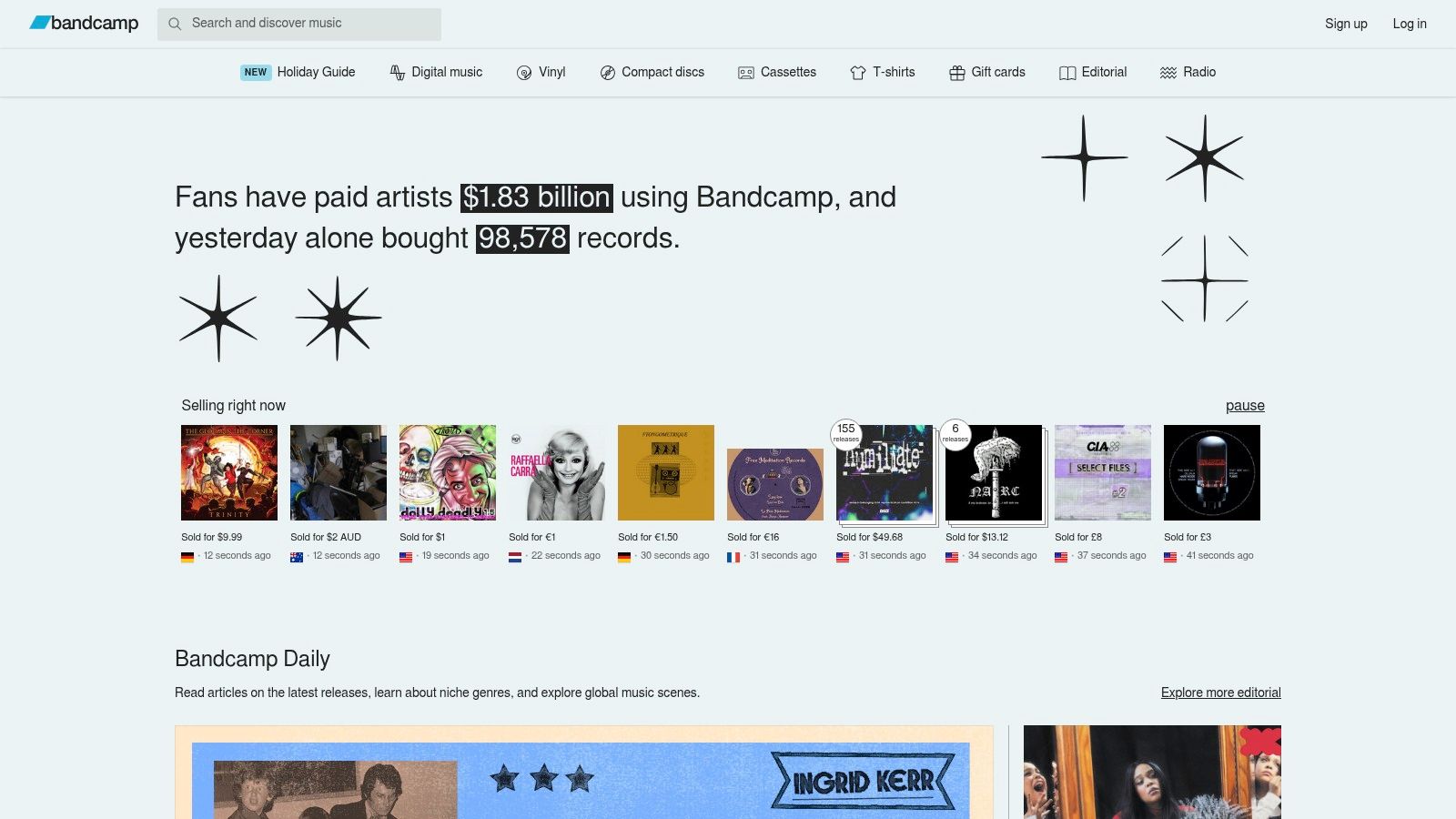
Demand for true downloads hasn't disappeared in the streaming era. Research from Dataintelo reports that about 42% of active digital-music listeners globally prefer downloaded content for uninterrupted listening during commutes, flights, and outdoor activities, while permanent digital ownership resonates particularly with consumers aged 30 to 55.
How Bandcamp Handles Ownership and Storage
Bandcamp gives Android users two distinct offline paths, and knowing the difference saves confusion later.
- In-app offline playback: The Android Fan app lets you stream your collection and cache purchased releases inside the app for quick offline listening.
- Portable audio files: You can download your purchased music directly to your Android device's local storage and play those files in any standalone player like Poweramp, VLC, or Musicolet, with no account check-ins required.
- Direct artist support: Every purchase goes directly to the artist or label, paired with release pages, fan collections, and recommendations that surface independent and niche records you won't always see on mainstream algorithms.
- Clear cost trade-offs: Every album or track costs money up front, there's no all-you-can-stream subscription tier, and managing in-app offline downloads runs through a separate workflow from saving portable files to local storage.
I'd pick Bandcamp first if your priority is building a permanent archive you can back up to an SD card or copy to your next phone.
2. Audiomack
Say you want free offline downloads on Android for hip-hop, R&B, Afropop, reggae, or electronic releases without paying for a monthly streaming tier. Audiomack is built around that exact habit, placing offline playback right at the center of its discovery experience rather than burying it behind a paywall for every track.
Here's a look at how Audiomack structures its genre-led discovery feed and trending releases.
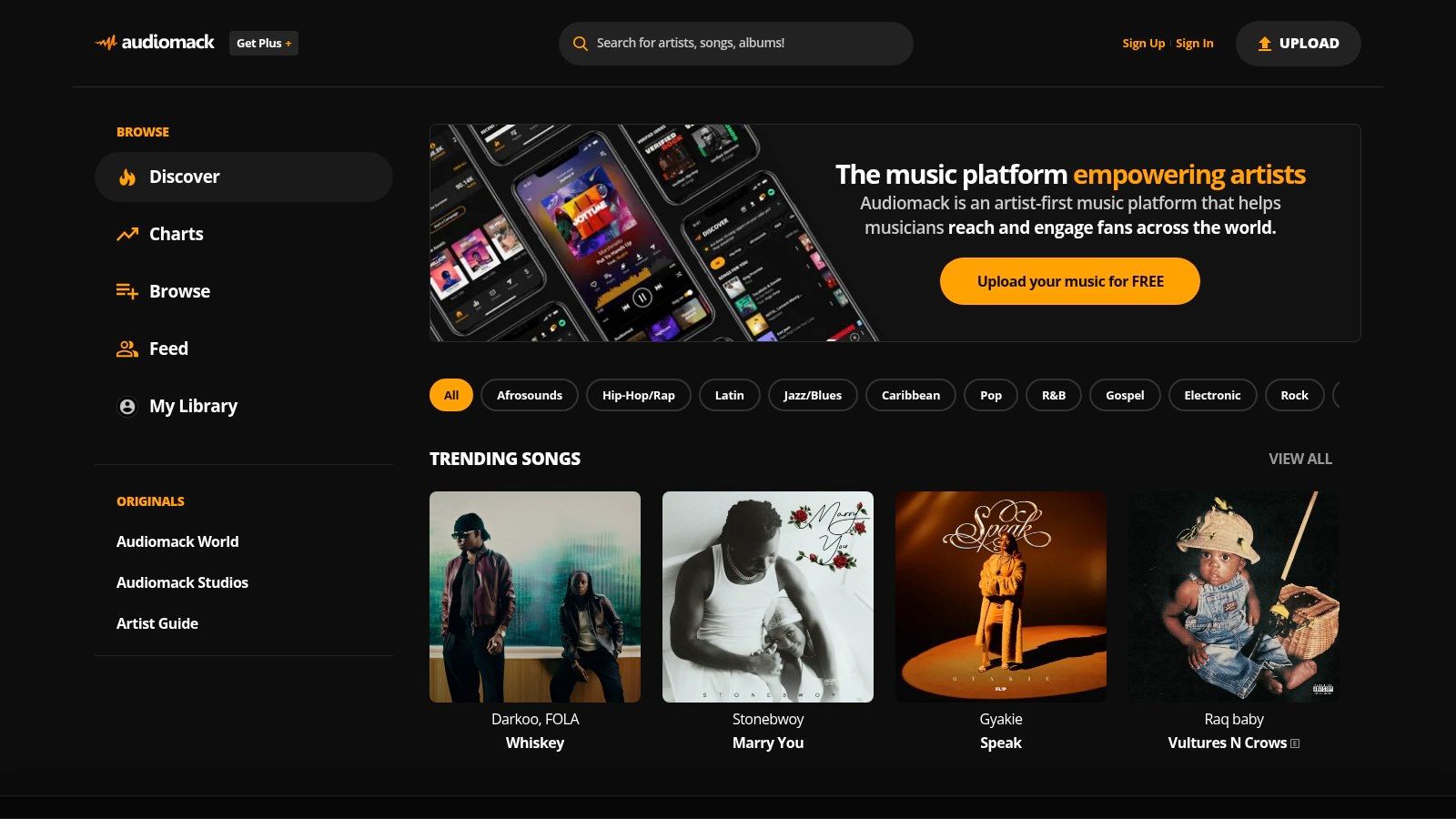
You can save eligible tracks, albums, and playlists inside the Android app for offline listening, and the app also plays personal MP3 files already stored on your phone. Android Auto support is available where supported, which makes it practical for daily commuting when you're switching between saved Audiomack tracks and local files.
Audiomack's offline button is generous for a free app, but those downloads stay locked inside Audiomack. You can't pull them out of your storage folder to build a portable MP3 library.
That boundary defines the trade-off. Catalog availability depends on what artists and rights holders upload and enable for offline caching, so you'll run into gaps if you're chasing mainstream pop back catalogs or classic rock. The free tier also includes ads and optional in-app purchases to remove them or access extra perks.
Still, if you're tracking emerging independent scenes and reading up on how artists reach fans directly in the music culture and industry magazine, Audiomack delivers more usable offline listening at zero monthly cost than most mainstream rivals.
3. Jamendo
Most Android users assume free, portable music downloads only live on sketchy APK sites or copyright-grey rippers. Jamendo takes a legitimate route by hosting independent artists who publish their work under Creative Commons licences.
Unlike subscription apps that hide audio inside encrypted folders, Jamendo lets you discover independent musicians outside major-label catalogs and stream or download eligible tracks under clear licence terms. For listeners who want focus playlists, indie rock, or electronic music without paying a monthly bill, it's a useful alternative.
Checking Licences Before You Save Tracks
Free downloads on Jamendo don't mean you can reuse a song anywhere you like, so pay attention to the fine print attached to every release.
- Personal versus commercial rights: Creative Commons terms vary from track to track. A song cleared for personal offline listening on your Android phone might still restrict commercial videos, podcasts, or public playback unless you buy a licence through Jamendo's separate commercial licensing service.
- Specialist catalog scope: You won't find Billboard chart toppers or major-label albums here. Jamendo's library is much smaller and leans heavily toward independent creators.
- Android app availability: Jamendo's Android app has offered streaming and catalog downloads, though availability and app updates can shift over time. Confirm the current Play Store listing or use the mobile web download option if the app isn't available in your region.
Jamendo works best as a companion music downloader app for Android when you want legitimate, no-cost independent music and don't mind checking each track's licence label first.
4. Spotify
Scale is the main reason millions of Android listeners default to Spotify. According to Statista, Spotify generated more than 15 million Google Play downloads worldwide in June 2023 alone, reflecting how firmly it sits as the everyday audio hub on Android devices.
Its Android interface puts playlists, algorithmic mixes, podcasts, and offline controls within a few taps, as shown below.
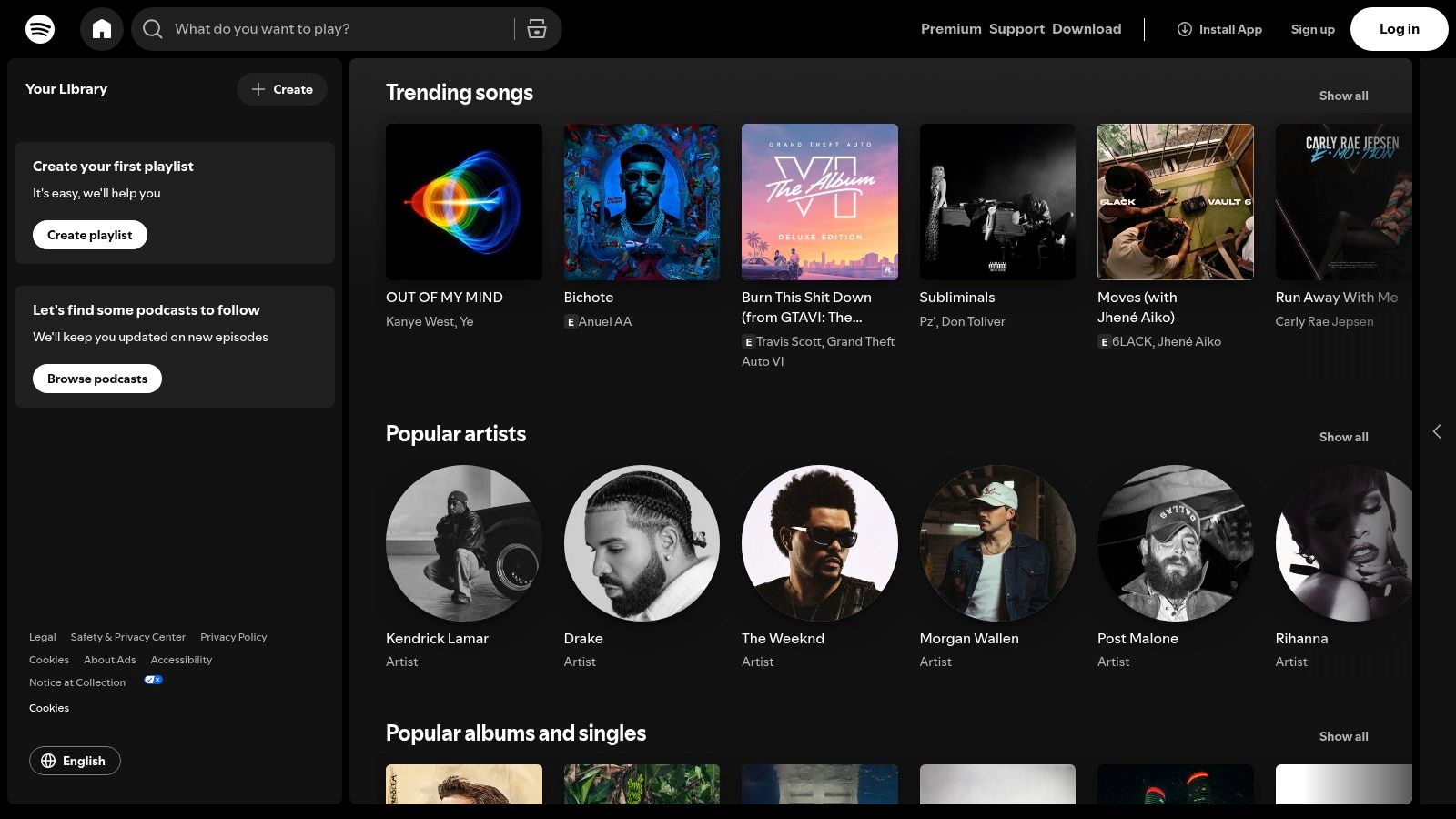
With a Spotify Premium plan, saving entire playlists, albums, and podcasts for a flight or subway ride is effortless. Collaborative playlists, cross-device handoff, and reliable Android Auto integration make it hard to beat for sheer convenience if you already organize your listening around Spotify's catalog.
Where Offline Playback Stops
Spotify isn't a file downloader in the ownership sense, and treating it like one leads to frustration the moment you change plans. Offline music downloads require an active Premium subscription; free accounts don't get offline music saving.
Every track you download remains strictly app-bound inside Spotify's encrypted cache. You can't export those songs as MP3s, move them to another Android media player, or keep playing them if you cancel your subscription or stay offline beyond Spotify's account check-in window. If your goal is fast, low-friction offline playlists backed by a massive catalog and you plan to keep paying monthly, Spotify nails the workflow. Just don't mistake rented offline access for a permanent collection.
5. YouTube Music
Trying to track down a bootleg live set, an acoustic cover, or a fan remix that never got an official studio release? That's where YouTube Music pulls ahead of standard streaming catalogs, because it taps directly into YouTube's wider library alongside official albums and singles.
Here's how the mobile streaming interface brings official releases, mixes, and video-linked tracks together.
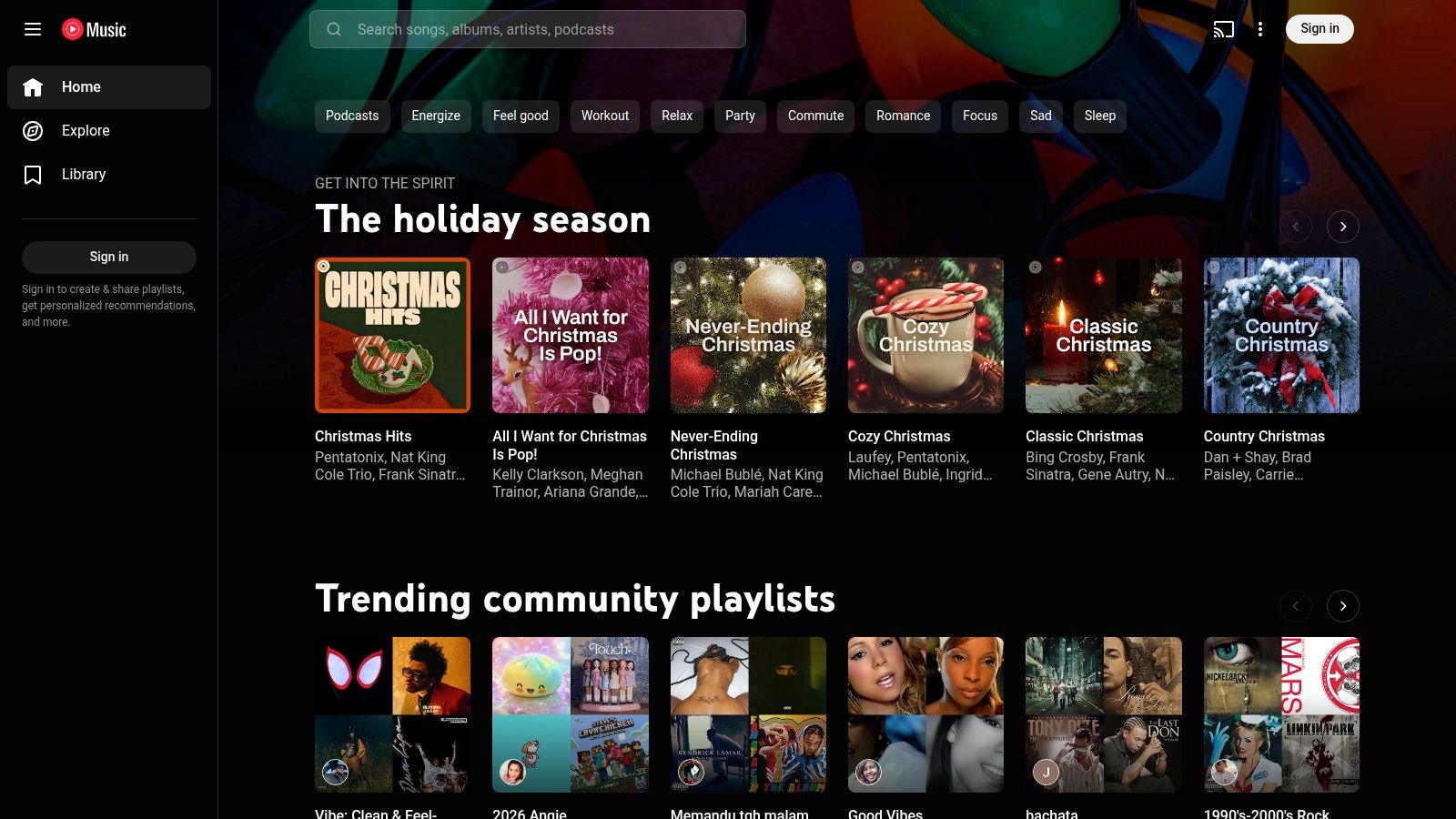
With a paid qualifying plan, you can download supported songs, albums, playlists, music videos, and podcasts directly inside the Android app. Because YouTube Premium bundles YouTube Music Premium, anyone already paying to remove ads on YouTube gets offline audio downloads without adding another monthly bill.
- Smart downloads: You can toggle Smart downloads to automatically cache recommended songs and recent favorites over Wi-Fi, which helps when you forget to save playlists before leaving home.
- Broader content types: Saving supported music videos and podcasts alongside audio tracks gives commuters more variety inside one Android app.
- No portable files: Like other subscription services, downloaded tracks stay inside YouTube Music and can't be opened in external players or transferred out of the app.
- Messier track matching: Having dozens of unofficial covers, sped-up edits, and live clips in search results means you sometimes have to double-check that you saved the exact studio recording you wanted.
I recommend YouTube Music mainly to Android users who already pay for YouTube Premium or spend half their listening time on live sessions and remixes that other catalogs omit.
6. Amazon Music
If your household already runs on Alexa smart speakers and an Amazon account, Amazon Music fits naturally into your existing setup. On Android, qualifying paid plans let you save eligible songs, albums, and playlists for offline playback, backed by curated stations and podcasts.
The app lays out curated playlists, library downloads, and audio controls cleanly for mobile browsing.
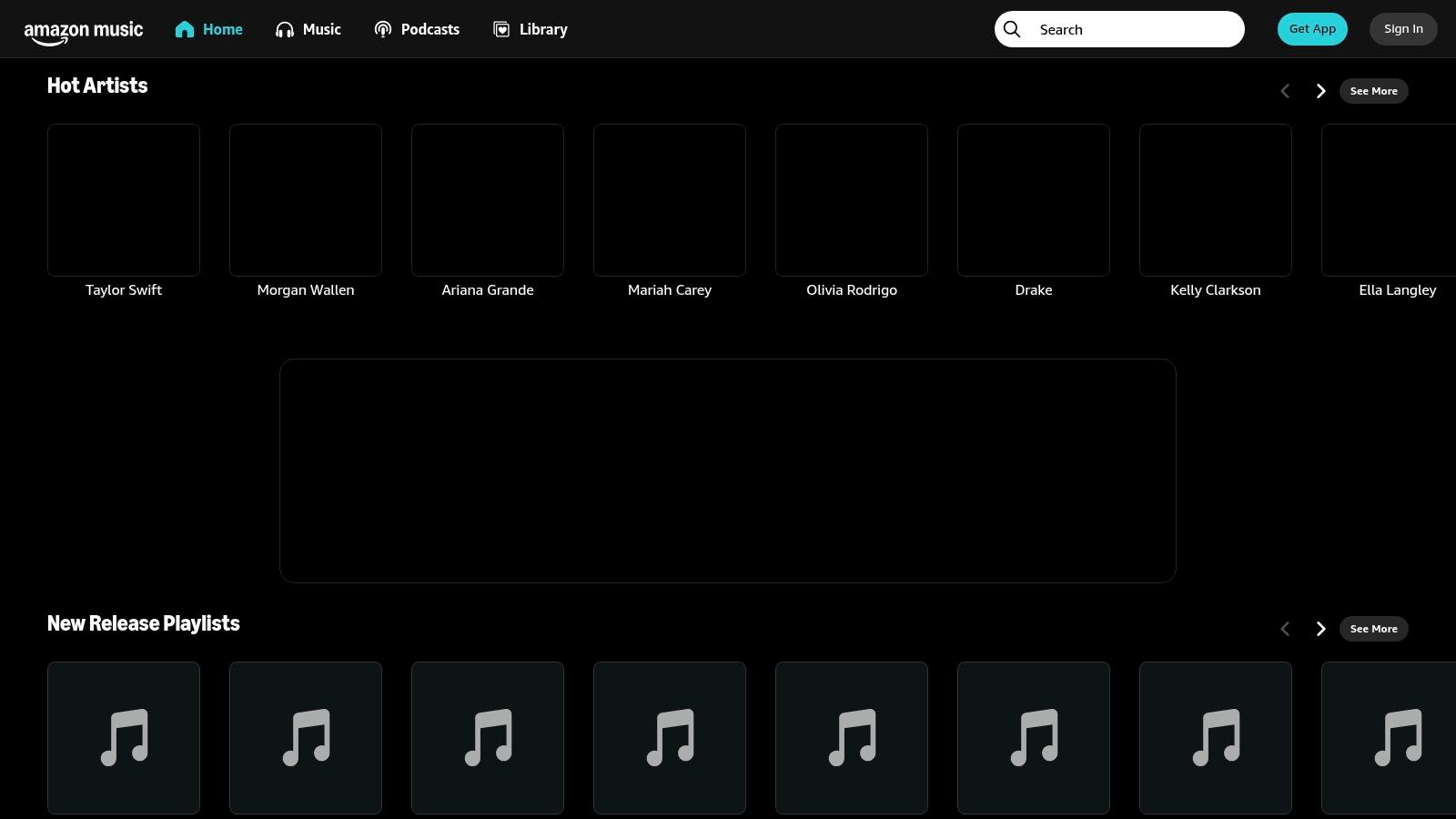
Amazon Music also offers multiple audio-quality options depending on your plan tier and the specific release, so listeners with good wired headphones or supported Bluetooth gear can step up beyond standard compressed streams on eligible tracks.
Watch the plan tier: Amazon separates Prime-included listening benefits from its full paid Unlimited tiers, and offline download entitlements depend on the exact plan you hold. Check your current account terms before assuming every album is downloadable.
Even on the highest paid tier, offline saves remain locked inside the Amazon Music Android app. You won't get portable audio files you can drag onto another player, and the service feels far less compelling if you aren't already tied into Amazon's broader ecosystem. For existing Amazon and Alexa users who want higher-quality offline playback in one familiar account, though, it's a practical pick.
7. Deezer
Streaming represented 77.36% of the music-app market in 2025 according to Mordor Intelligence, which explains why most mainstream Android apps prioritize subscription caching over file ownership. Deezer sits squarely in that subscription category while offering a calmer, album-and-playlist-focused alternative to Spotify and YouTube Music.
Its interface highlights curated mixes, library management, and personalized radio streams right from the home screen.
On a qualifying paid plan, Deezer's Android app lets you download eligible albums, playlists, and podcasts for offline listening. It pairs that with built-in lyrics and straightforward library controls that appeal to listeners who still prefer organizing full albums instead of living purely inside algorithmic feeds.
Flow Mixes and Library Control
Deezer's standout discovery feature is Flow, an endless personalized mix that blends favorites with new suggestions and mood filters. Some Android listeners love how quickly Flow learns their habits, while others find its recommendations less consistent than Spotify's once you step into niche genres.
Offline access carries the familiar subscription strings. You need an active qualifying paid plan to keep downloads playable, and everything stays sealed inside the Deezer app. If you're comparing how subscription-bound downloads differ from buying music directly, checking clear platform rules like the artist and fan FAQs helps clarify what rights you hold before paying for another monthly tier.
8. TIDAL
You board a train with better headphones and a compressed stream still sounds flat. TIDAL aims at that listener: higher-quality audio and editorial curation on a paid plan, not a folder of audio files you can move to any player.
Global music-streaming subscriptions reached 921.6 million in 2025 after growing 10.1%, according to MIDiA Research. TIDAL's corner of that market is listeners who will pay for fidelity and curated discovery hubs.
On Android phones and tablets, an eligible paid subscription lets you download albums and playlists for offline mode. With decent headphones, or an external USB-C DAC, the step up from default compressed streams is easy to hear. Set the download options before you cache a large library, because higher fidelity changes storage and mobile data immediately.
Standard-quality tracks take a few megabytes each, while lossless files are several times larger, so a few dozen lossless albums can fill gigabytes of internal storage. Switch on Wi-Fi-only downloading in the app settings so those albums do not burn the cellular cap. The harder limit is ownership. TIDAL stores the audio only for in-app offline playback. You cannot copy those tracks to another player, and they stop playing if the paid subscription ends. On a trip, the library works only while the account stays active and the phone has room. It does not leave files you can keep on a card or open in a different music app.
TIDAL is a sound choice when paid-subscription fidelity matters more than portable files, and the phone has free storage to match.
9. SoundCloud
When you're hunting for bedroom producers, DJ edits, early demos, or emerging independent artists long before a track hits major streaming catalogs, SoundCloud stays relevant. Its mix of direct artist uploads and officially distributed releases gives it a catalog feel you won't replicate on Spotify or Amazon Music.
The homepage and stream center around following artists directly and digging through user-uploaded tracks and remixes.
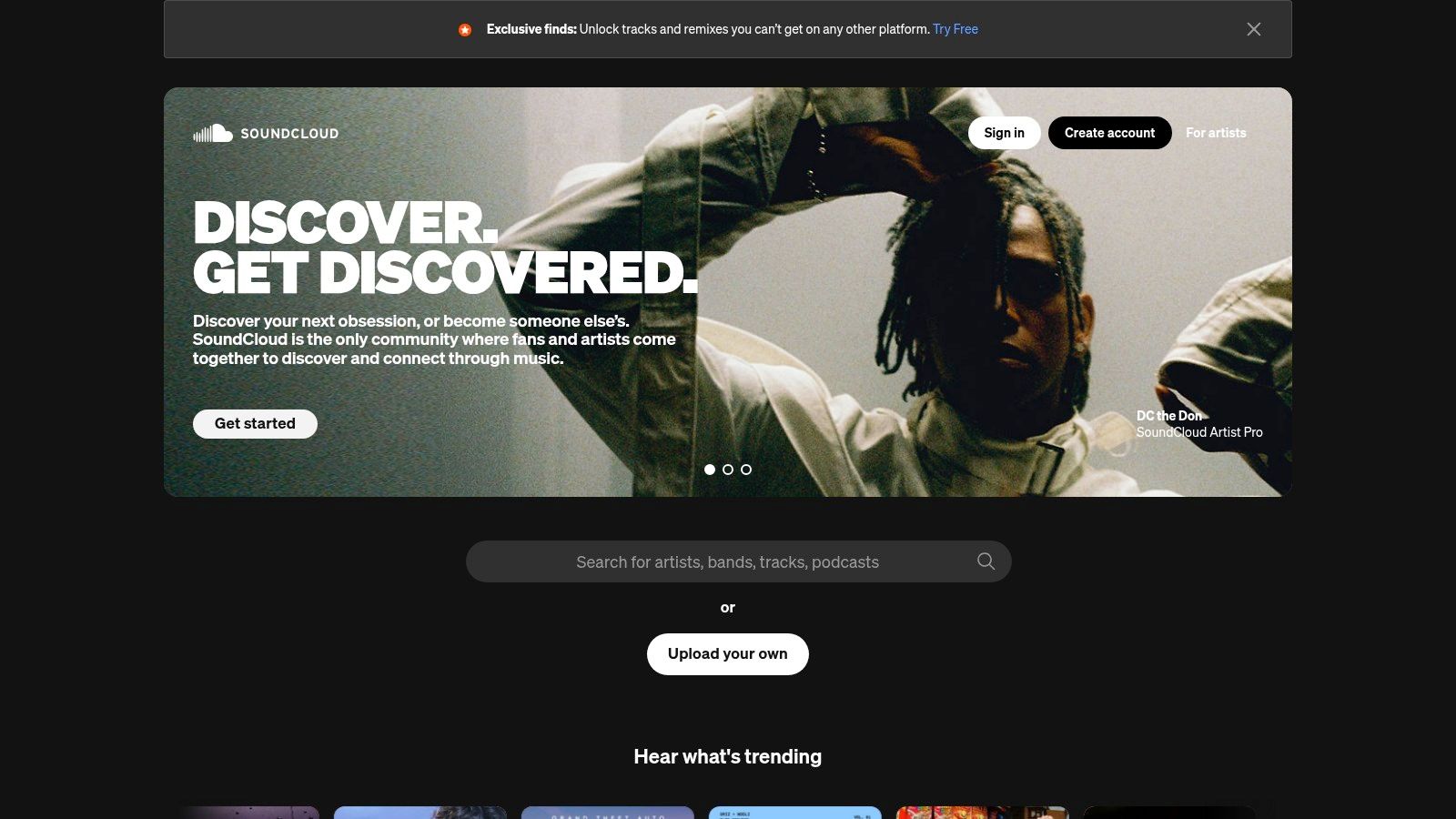
With a paid SoundCloud Go plan, you can save eligible likes, playlists, and library content inside the Android app for offline listening. That makes it workable for commutes when you want long DJ sets or underground releases cached on your phone.
Before you travel: Double-check your saved SoundCloud playlist while you still have Wi-Fi. Offline availability varies from track to track based on individual rights-holder settings, so a few songs in a playlist may not cache even when you pay for Go.
Just like the mainstream streaming apps above, SoundCloud Go downloads are strictly app-bound and can't be exported as portable files. Catalog consistency also fluctuates more than on major-label services, since independent uploaders occasionally remove, replace, or region-restrict tracks. Treat SoundCloud as a discovery-first offline option rather than your only archive.
10. OohYeah
Global recorded-music trade revenue reached US$29.6 billion in 2024, growing 4.8% year over year, according to the International Federation of the Phonographic Industry (IFPI). Despite that growth, most streaming apps still treat listeners as renters and leave artists with thin margins. OohYeah takes a different direction as an online music marketplace and artist-fan platform rather than a conventional all-you-can-stream downloader.
Our Android app centers on connecting fans directly with artists, releases, and marketplace offerings.
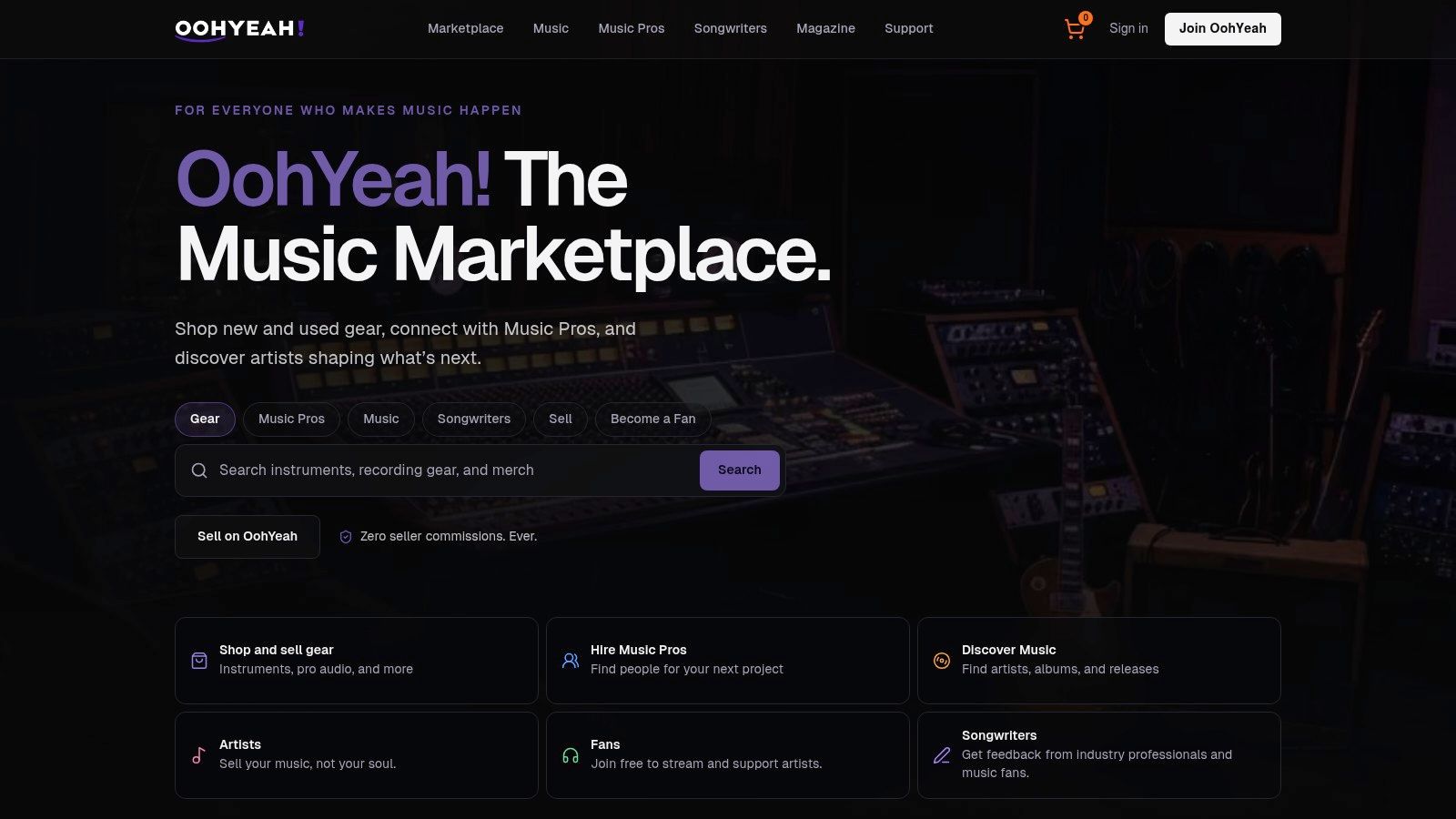
The platform adds a direct purchase path for fans and doesn't try to replace your streaming subscription. The buying process follows three straightforward steps: stream to discover the artist, buy something the artist makes available, and help fund what comes next, from recordings and musicians to touring and merchandise. That last part matters. Your purchase money reaches the people making the music instead of dissolving into a per-stream royalty pool.
How Direct Releases Work on Android
Because artists control what they list on the marketplace, your download experience depends on each individual release rather than a flat subscription catalog. One artist might offer full albums as purchasable downloads, while another lists only merchandise, digital products, subscriptions, or exclusives. Check what you're getting before paying, because the difference between keeping a file and caching audio inside an app decides whether your music survives a phone switch or a cancelled account.
- Organized ownership: The My Purchases section lists Purchased Music, Purchased Singles, and Purchased Albums, making it easy to find music you can own once an artist makes it available for purchase.
- Broader artist pages: Artist profiles include Music, Videos, About, and Photos sections, along with Play latest release, Follow, Share artist, Radio, Shuffle, and Message options. Direct messaging means you can ask an artist about formats or upcoming releases without leaving the app.
- Clear limitations to know first: Download availability and format depend on what each participating artist lists, so check the release page and browse the step-by-step platform guides to confirm current Android details before buying.
How the Top Android Music Downloader Apps Compare
The table below sorts all ten apps by the question that matters most for a downloader: whether the audio leaves the app as a file you control, or stays locked inside the service that cached it. Read the Portable Audio Files column first. That single column tells you who owns the music after the download finishes.
| Item | Offline Downloads | Portable Audio Files | Best For |
|---|---|---|---|
| Bandcamp | Purchased music in the Android app | Purchased files can be saved to Android storage | Owning music and supporting independent artists |
| Audiomack | Eligible tracks, albums, and playlists in-app | Not exportable as ordinary music files | Free listening and discovery in represented genres |
| Jamendo | Eligible catalog tracks; availability may vary | Track and license terms vary | Discovering independent and Creative Commons music |
| Spotify | Requires Premium; downloads stay in-app | Not transferable | Playlists and broad-catalog streaming |
| YouTube Music | Requires a qualifying paid plan; downloads stay in-app | Not provided as portable audio files | Finding covers, live performances, and varied versions |
| Amazon Music | Eligible content under supported paid plans; downloads stay in-app | Not portable | Amazon and Alexa users |
| Deezer | Requires a qualifying paid plan; downloads stay in-app | Not portable | Album and playlist listening |
| TIDAL | Eligible content in-app with a paid subscription | Not transferable | Sound-quality options and editorial discovery |
| SoundCloud | Eligible content with Go; availability varies | Not portable | Independent uploads, emerging artists, and remixes |
| OohYeah (recommended) | Purchased releases you own, listed under My Purchases | Set by each artist's release format | Artist discovery, marketplace activity, and fan engagement |
Two distinct models emerge. The subscription apps in the middle rows, Spotify through TIDAL, cache encrypted audio inside their own apps. Cancel the plan or let the account lapse, and those downloads stop playing. They work well for travel because the catalog is enormous, but nothing in that cache is a file you can copy to another player, back up, or keep.
Bandcamp and OohYeah work on purchases instead of subscriptions. You pay for a specific release, and that purchase stays tied to your account rather than to a billing cycle. The trade-off is catalog shape: what you can download depends on what each artist has chosen to sell, so these apps reward listeners who follow particular artists rather than listeners who want everything ever released.
Audiomack, Jamendo, and SoundCloud sit between the two poles. Offline access exists but varies track by track, and the audio rarely leaves the app as a standard file. Their strength is discovery in genres and communities the mainstream catalogs underrepresent, not permanent storage.
Storage is the practical consequence worth weighing before you commit. Files you own move with you across phones, players, and computers for as long as you keep backups. In-app caches move nowhere, and every gigabyte of them vanishes the moment the subscription does.
Match the App to How You Want to Keep Your Music
Go back to that dead-signal train ride. If you never want a lapsed billing cycle or expired check-in timer to wipe out your commute soundtrack, start by deciding which type of music downloader app for Android matches how you listen.
Pick Bandcamp (or buy directly from independent creators on a marketplace like OohYeah) when you want permanent ownership, artist support, and releases tied to purchases rather than rentals. Pick Spotify, YouTube Music, Amazon Music, Deezer, or TIDAL when you want an enormous all-you-can-stream library cached inside one app for travel and don't mind paying monthly to keep offline playback active. Pick Audiomack, Jamendo, or SoundCloud when discovery, specific genres, or Creative Commons tracks matter more than mainstream completeness.
One security rule applies across every category: skip random free MP3 ripper APKs posted on web forums. Research from Lookout found malware in 3% of apps analyzed from outside Google Play versus 0.03% from Google Play, making externally distributed apps 100 times more likely to contain malware. A legitimate Android music app never needs accessibility access, SMS permissions, your contacts list, or device-administrator privileges to play or save audio. Stick to Google Play or verified official developer channels, and deny any permission that has nothing to do with audio playback or file storage.
Five Checks Before You Commit
Run through these five details before downloading a huge library or paying for an annual plan.
- Storage headroom: Check your phone's free internal space (or microSD card support) and decide whether you need compressed files for volume or lossless tracks for fidelity.
- Mobile data guardrails: Turn on Wi-Fi-only downloads immediately inside the app settings so automatic caching doesn't drain your monthly cellular allowance.
- Rights and licence terms: Verify whether your download is an app-locked cache, a portable personal-use file, or a Creative Commons track with specific attribution or commercial limits.
- Regional availability: Confirm that both the Android app and the specific artists or albums you care about are licensed in your country before switching ecosystems.
- Current plan rules: Read the current Android subscription tier details on Google Play or the provider's site to verify that offline downloads are still included at the price you're paying.
If you want to support independent artists directly while keeping track of the singles and albums you purchase, explore what artists are releasing on OohYeah. You can stream to discover new musicians, buy music downloads, merchandise, and exclusives directly from creators, and manage your owned tracks inside one music-first marketplace.