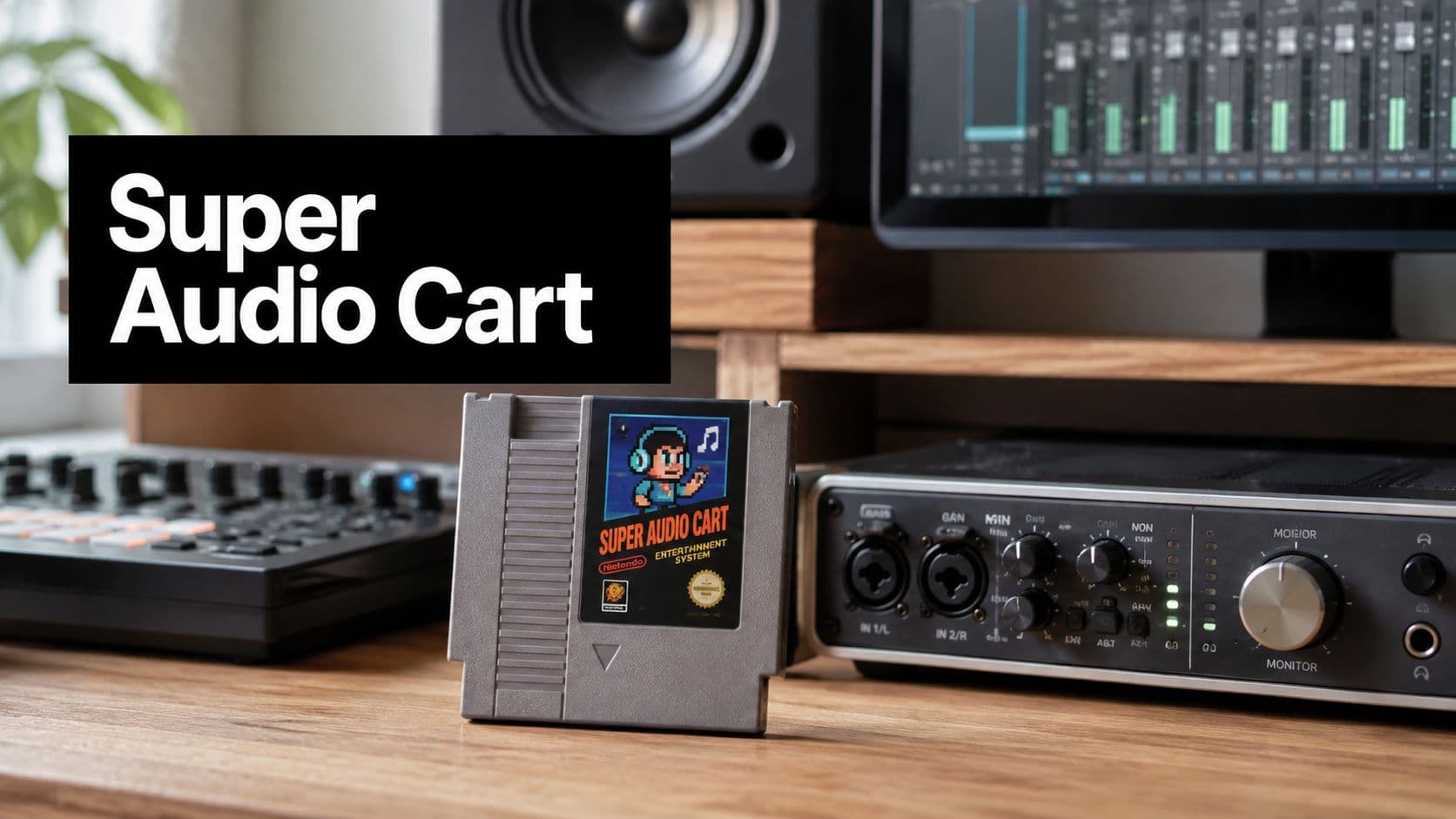
Super Audio Cart: A Practical Guide for Modern Producers
Learn what Super Audio Cart is, how it works inside Kontakt, and how producers use it to recreate classic console sounds in modern music production.
August 11, 2026
Music Marketplace Advisor
Buying & SellingYou're in the middle of a session and the track still isn't landing. The drums are clean, the synths are polished, and the chorus needs a console-like edge or an unmistakable chip tone that says retro without sounding like a novelty. That's exactly where Super Audio Cart earns a place on the insert chain, because it gives modern producers a fast way to reach for multiple vintage console flavors without rebuilding a whole hardware rig.
The question isn't whether retro sounds are still useful. It's whether you want a broad palette that covers a lot of classic systems in one instrument, or a narrower, more exact tool built around one machine's behavior. That tradeoff shapes everything from workflow speed to how convincing the final cue feels.
When a Modern Session Needs a Retro Console Sound
A producer gets to the chorus, hears the arrangement thinning out, and knows the fix isn't another glossy pad. The track needs grit, a little constraint, maybe a melody that feels like it came from a cartridge instead of a soft synth. In that moment, the choice is usually between chasing a specific hardware sound for hours or loading something that already lives in that neighborhood.
Super Audio Cart fits that hybrid session because it sits between nostalgia and practicality. It's built for the producer who wants retro console character inside a modern DAW, not a museum piece on a separate workflow. That matters when the verse already has contemporary drums and the hook needs something older, tighter, and more textural.
The broader historical context helps explain why this kind of tool still makes sense. Audio carts were a major radio-broadcasting technology for nearly 30 years, first for commercials and then for music, before digital workflows displaced them. The shift away from tape-based delivery happened fast enough that compact disc became the dominant U.S. music format by 2000, when CDs accounted for 92.3% of the market share, a reminder of how quickly audio production moved from physical media toward digital systems. RadioWorld's history of carts captures that transition clearly.
Practical rule: if you need one or two signature retro touches in a track built mostly in the box, breadth beats perfection more often than producers expect.
The appeal is simple. You don't always need the deepest possible emulation of one machine. Sometimes you need a reliable way to audition several eras of texture before the creative momentum disappears.
What Super Audio Cart Actually Is
Super Audio Cart 2 is a sampling-based Kontakt Player instrument that expands the original retro-console library from roughly 600 multisampled tones to more than 6,000 sound sources across about 19 to 20 classic consoles, handhelds, and sound chips. That's the core idea. It doesn't try to behave like a single-piece emulator first, it gives you a large curated palette of source material first. Impact Soundworks' product page spells out the scope and the engine approach.

The important distinction
A typical chiptune synth often starts with synthesis rules and tries to approximate old chips algorithmically. Super Audio Cart starts from recorded source timbres, then lets you play and layer them with modern Kontakt control. That's why it feels useful in production rather than academic in concept. You can combine authentic chip colors without being forced to think like the original hardware at every moment.
That difference matters when your job is to finish music, not to simulate a console under a microscope. The sampled approach gives you platform-specific tone at the source level, then hands control back to you through modern layer and modulation tools. For a producer moving between lo-fi hip-hop, game music, and trailer cues, that flexibility is the point.
If you're browsing around for more general audio gear context while comparing instruments, Budget Loadout's audio category is a useful place to look at adjacent tools and workflows without getting lost in spec sheets.
What the ceiling looks like
There is a limit to what this kind of library can do. A large curated instrument won't always match a dedicated per-system model on microscopic authenticity, especially if your entire track is built around one console's quirks. But it does something else very well. It lets you move quickly, audition options, and build a full arrangement from one interface instead of juggling separate libraries for every chip family.
That's the right mental model. Super Audio Cart is a breadth-first instrument that still rewards careful selection. It's not just “lots of retro sounds.” It's a structured way to use a lot of retro sounds without breaking your session flow.
Engine Features and Creative Controls
The Kontakt engine matters here because the library would be much less useful if it were just a browser of static nostalgia. The useful part is the way it turns a huge source collection into something playable, stackable, and quick to shape. The main controls you'll touch are four-layer stacking, modulation routing, and per-layer effects, and those three pieces are what make the instrument feel like a producer tool instead of a sample dump.

Layering is the real trick
The fastest way to use the library well is to think in contrasts, not presets. A bright pulse layer can carry the attack, a triangle layer can give body, and a noisier source can add the edge or percussion-like bite. That layering approach is where Super Audio Cart starts feeling less like retro cosplay and more like arrangement design.
You don't need every layer active all the time. In practice, one strong layer often does most of the work, while the others support the part in a narrow frequency pocket or rhythmic role. That keeps the sound from turning muddy, which is a common failure mode when producers stack nostalgic textures just because they can.
Keep the layer count low until the part proves it needs more. The quickest way to lose the charm is to overload a simple idea.
Where modulation earns its keep
The modulation side is useful when you want movement without turning the patch into a synth science project. Routing performance controls to subtle shifts in brightness, depth, or layer balance gives the part life while preserving the character of the source material. That's especially helpful in hooks and transitions, where a static retro patch can flatten out too soon.
Per-layer effects are just as important because they let you commit flavor at the source level. A bit of filtering on one layer, a little width on another, or a touch of grit on a single sound source can keep the stack coherent before it even reaches the mix bus. If you treat each layer like a role instead of a duplicate, the engine stays musical.
The practical takeaway is straightforward. Super Audio Cart rewards decisions. The more intentionally you choose which layers carry tone, motion, and attack, the less cleanup you'll need later.
Loading the Library and Working Inside Your DAW
Setup is where a lot of retro libraries either disappear into friction or become part of the regular template. With Super Audio Cart, the process is close to any other Kontakt-based instrument, but the workflow gets more interesting once you start mapping sounds across layers and thinking in terms of instrument roles rather than one preset per part. The technical backdrop also matters for anyone chasing authentic NES-style writing, because the Ricoh 2A03 audio subsystem only outputs five simultaneous channels, two pulse waves, one fixed-volume triangle wave, one noise generator, and one DPCM sample-playback channel. That limitation is why arrangements from that world demand careful voice management, and it's also why sampled variants can be so useful inside a modern session. The rack extension manual lays out the channel structure.

The basic setup path
Start by installing the library into the folder structure Kontakt expects, then activate it through the normal Native Access path, and finally load a preset in Kontakt Player. Once the instrument opens, treat each layer as a separate musical job rather than a duplicate of the same patch. That mindset makes routing and arrangement much easier.
A useful habit is to map one MIDI lane to a single musical responsibility. One lane can hold the lead, another the bass, and another the texture or percussion accent. That keeps the part editable when you return to the project later, especially if the cue starts to become denser than you expected.
Working around the NES channel limit
The NES channel limit is a useful creative constraint even when you aren't writing for the NES. If you build a line with too many overlapping notes, it starts to feel wrong quickly because the original hardware couldn't support that kind of density. Authenticity comes from restraint, not from filling every beat.
That's where the sampled-variant approach pays off again. You can recreate the feel of constrained hardware inside a modern DAW without being trapped by the original synthesis rules in real time. For producers, that means the sound can stay period-correct while the session stays flexible.
For a hands-on learning path that complements this kind of workflow, the OohYeah academy courses can help sharpen your production habits around instrument choice and session discipline.
Sound Design Tips and Preset Workflows That Actually Work
The best results usually come from treating Super Audio Cart like a writing tool first and a nostalgia tool second. A preset can get you moving, but the win comes when you decide which layer owns the melody, which one handles the pulse, and which one should stay almost hidden until the mix gives it space. The faster you make those decisions, the less likely the part is to feel like a demo.
A lo-fi beat that doesn't overcook the gimmick
A solid lo-fi hip-hop approach starts with NES percussion and a Game Boy-style melodic layer. The percussion gives the beat a dry, brittle edge, while the melody stays simple enough to leave room for swing and texture. Add bit-crushing carefully, because it can flatten the transient shape if you push it too far, and then sidechain the chips lightly to a modern drum bus so the groove breathes.
In that kind of track, the retro element should feel like part of the arrangement, not an overlay. One melodic phrase and one rhythmic accent are often enough. If the beat starts sounding cute instead of grounded, strip the arrangement back and let the drums do more of the emotional work.
A cinematic cue with more harmonic space
A film-inspired cue benefits from a different stack. Genesis FM pads can carry harmonic weight, while SNES-style bells add a sharper top layer that cuts through dense chord movement. Put more attention on reverb tails and automation here, because the atmosphere matters as much as the source tone.
Preset categories become practical shortcuts. Arps work when motion is the goal. Leads work when the line needs to read immediately. Basses anchor minimal arrangements. Pads and SFX turn a sketch into a scene.
Start by choosing the preset closest to the role you need, then edit the layer, then commit to the multi. That order keeps decisions musical instead of technical.
For a broader set of arranging and sample-selection notes, the OohYeah guides are a good companion resource.
The key habit is commitment. Tweak the preset, lock in the layer that matters, and move on. That's how the library stays fast instead of turning into an endless browsing session.
Comparing Super Audio Cart to Focused Alternatives
A large curated library is not automatically the best choice. Super Audio Cart trades some per-system depth for breadth, and that tradeoff makes sense only when you need the breadth. If you already know you want one specific chip family, a focused alternative can be the smarter move.

Where the broad palette wins
The advantage of Super Audio Cart is convenience. You can move from NES-style parts to Game Boy textures, then into Genesis-leaning colors or broader arcade-inspired ideas without loading a different environment each time. That's useful for producers who write across genres, because retro character often shows up as a supporting color rather than the whole track.
Breadth also helps when the brief is vague. If a client says “more game-like,” you can explore several eras and find the right flavor faster than if you're locked into one system-specific tool. It's a good fit for writers who need to prototype quickly and keep momentum high.
Where focused tools still win
A per-system emulator or a dedicated chiptune synth usually wins on precision. If the whole piece depends on the exact behavior of one machine, that detail matters. Focused tools can also be lighter to manage when you don't need much variety and just want one sound done right.
The same goes for CPU and session simplicity, though those benefits depend on the specific toolset you choose. If the goal is one unmistakable hardware identity, a smaller and more specific instrument may feel more natural than a big cross-console library.
A quick decision check
- Choose breadth when the track needs several retro colors, fast auditioning, or one library to cover a lot of ground.
- Choose precision when the entire composition revolves around a single hardware identity.
- Choose focused modeling when you already know the exact chip behavior you want to hear.
- Choose Super Audio Cart when speed, variety, and arrangement flexibility matter more than microscopic authenticity.
That's the core question, not whether the library sounds good. It does. The question is whether the session benefits more from a wide palette or from a single-system specialist.
Licensing, Compatibility, and the Final Verdict
Super Audio Cart makes sense when you want one retro instrument that can cover multiple jobs without forcing you to rebuild your workflow around each chip family. It's a smart buy if you move between lo-fi, game-inspired, and cinematic cues, or if you want quick access to a lot of character inside Kontakt Player. If you only write for one specific system, it can be more than you need, and a focused alternative may fit better. Recent update-oriented discussion around the earlier version, plus newer demo and deep-dive attention on the sequel, suggest the library still gets maintained and used, but the bigger question is how often you'll reach for its breadth. The support page is the place to check for the practical details before you commit.
Use this as a real session test. Load one drumless cue, one melody sketch, and one arrangement with layered retro accents. If you keep hearing new uses for the same palette, the library fits. If you keep wishing for one exact system instead, that's your answer too.
If you're building a release plan around music that needs distinctive texture, OohYeah gives you a direct way to pair the creative side with the business side. Visit OohYeah to see how a creator-first platform can support your next track, your catalog, and the audience you're trying to keep close.