
How to Post Music on Spotify A Practical Guide
Learn how to post music on Spotify with our practical guide. We cover distributors, metadata, and artwork prep to get your tracks heard by millions.
September 30, 2025
Music Marketplace Advisor
Buying & SellingGetting your music onto Spotify is more accessible than you might think, but there’s a crucial catch: you can't upload tracks directly. To get your songs in front of a global audience, you need to team up with a digital music distributor. They're the essential bridge between your finished record and the millions of listeners on the platform.
Your Path to Getting Music on Spotify

The process of getting your music on Spotify really starts long before you ever click an "upload" button. It begins with understanding what a distribution partner actually does.
Think of a distributor as the logistics expert for your music. They take your mastered audio files, your album art, and all the behind-the-scenes data (the metadata) and package it perfectly for Spotify's system.
This isn't just a technicality. This process guarantees every track meets the platform's strict standards. More importantly, it ensures your data is indexed correctly so listeners can find you, your music lands in the right playlists, and—most critically—you get paid for every single stream.
The Role of Digital Distributors
Your distributor is the key that unlocks the door to millions of potential fans. Their job is to manage the entire delivery pipeline.
- Content Delivery: They securely send your master audio files and cover art to Spotify and all the other major streaming services.
- Metadata Management: They handle all the critical information about your release, like artist names, track titles, and songwriter credits.
- Royalty Collection: They collect the money your music earns from streams on Spotify and then pay it out to you.
Choosing the right partner is one of the most important decisions you'll make if you want to effectively sell your music and build a real career.
Standing Out in a Crowded Space
Let's be real: the competition on Spotify is intense. The platform hosts over 100 million songs, and nearly 60,000 new tracks are added every single day. This is exactly why a professional setup is non-negotiable.
Your distributor ensures your release isn't just another file lost in the noise but a polished, professional product ready for a global stage. If you want to dive deeper into the numbers, these Spotify statistics paint a clear picture of the streaming world.
Your digital distributor is more than just a delivery service; they are your administrative partner in the music industry. They handle the technical complexities so you can focus on creating music and connecting with your audience.
Before you can even start, you need to get all your assets in order. I've seen too many artists get held up at the last minute because something wasn't ready. Having this stuff prepared beforehand makes the whole process smoother and helps you sidestep frustrating delays.
Your Pre-Release Asset Checklist
To avoid any hiccups during submission, make sure you have every one of these items finalized and ready to go. This checklist covers the absolute must-haves.
| Asset Type | Key Requirements | Why It Matters |
|---|---|---|
| Master Audio File | WAV or FLAC, 16-bit/44.1 kHz minimum | High-quality audio is non-negotiable. This ensures your music sounds professional and meets Spotify's technical standards. |
| Cover Artwork | JPG/PNG, 3000x3000 pixels, RGB color mode | This is your visual first impression. The right specs prevent rejection and ensure your art looks sharp on all devices. |
| Metadata | Artist names, song titles, genre, songwriter credits, release date | Accurate metadata is how you get discovered and paid. Wrong info can lead to lost royalties and poor search visibility. |
Having these elements prepared and double-checked will save you a massive headache and ensure your release goes live without a hitch.
Choosing Your Music Distribution Partner
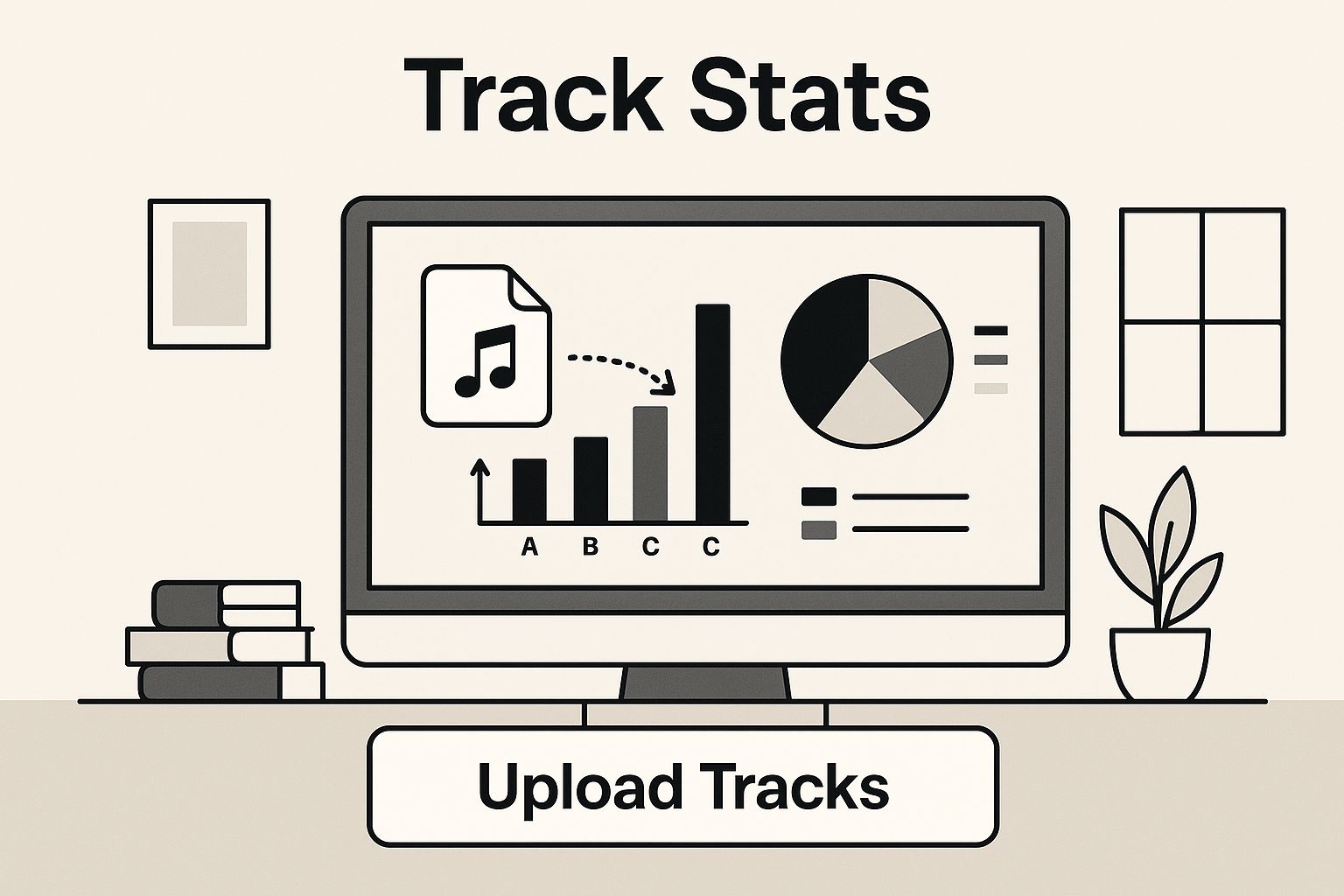
When you drag and drop your mastered audio file into a digital dashboard, it feels like the final step. But in reality, that simple action is the culmination of one of the most important decisions you'll make for your music career. The distributor you pick is the pipeline your music and money flow through.
Choosing the right digital distributor is a huge deal. Think of them as more than just a delivery service—they're your connection to the global music market, your royalty collector, and your source for performance data. Getting this choice right is fundamental to learning how to post music on Spotify in a way that actually builds a career.
You'll hear names like DistroKid, TuneCore, and CD Baby thrown around a lot. While they all get your music onto Spotify, their business models are worlds apart, and what works for one artist could be a bad fit for another. It’s tempting to just compare the upfront fees, but the real story is in the fine print.
Look Beyond the Price Tag
Let's get practical. If you're a solo artist dropping a new single every month, your needs are completely different from a band that releases a full album every couple of years. The solo artist would probably thrive with a subscription model that allows unlimited uploads, while the band might save a ton of money with a one-time fee per release.
Dig a little deeper and ask these questions:
- How do they handle royalties? Most distributors proudly advertise that you keep 100% of your royalties, but always check the terms for publishing administration or other revenue streams.
- What about hidden fees? Are there extra charges for taking a song down, adding new stores later, or getting detailed analytics? These can sneak up on you.
- How fast do they work? When you have a release date locked in for a big promotional push, you need to know your music will be live on time. Some services are faster than others.
- What else do they offer? Look for value-adds like playlist pitching tools, marketing support, or those slick pre-save landing pages. These perks can give you a real competitive edge.
Comparing Top Music Distributors
To help you see the differences at a glance, here’s a breakdown of how some of the most popular distributors stack up on the features that matter most to independent artists.
| Key Feature | DistroKid | TuneCore | CD Baby |
|---|---|---|---|
| Pricing Model | Annual subscription for unlimited uploads | Annual fee per release | One-time fee per release (lifetime) |
| Royalty Split | 100% to artist | 100% to artist (on most plans) | 91% to artist (takes a 9% commission) |
| Release Speed | Very fast (often 1-3 days) | Fast (typically 2-5 days) | Standard (around 1-2 weeks) |
| Value-Adds | HyperFollow pages, lyric syncing, video generator | Publishing administration, social media tools | Sync licensing, physical distribution options |
This table is just a starting point. Your own release strategy and career goals should be the ultimate guide in making your final decision.
Aligning With Your Career Goals
Your choice of partner should be a direct reflection of your long-term vision. With Spotify holding a massive 31.7% of the global market share, you need a distributor that has a seamless and reliable delivery process to the platform. It's the biggest stage in the world, so your access to it has to be solid.
Think about your release schedule. If you’re all about rapid-fire singles to keep your audience engaged, the annual fee from DistroKid for unlimited uploads is tough to beat. On the other hand, if you put out an album every few years and want it to stay online forever without paying more fees, the one-time cost from CD Baby could be the smarter financial move in the long run. To get a better handle on this, exploring the best strategies for independent music distribution can really help clarify which model aligns with your specific plans.
Choosing a distributor isn't just a logistical step; it's a strategic business decision. The right partner will not only get your music on Spotify but also provide the tools and support you need to grow your audience and revenue.
Ultimately, the best service is the one whose fees, features, and philosophy feel like a genuine partnership. Do your homework, read the terms carefully, and pick the distributor that will best support you on your journey. This is a foundational choice that will influence every single release you put out into the world.
Nailing the Technicals: Your Audio and Artwork
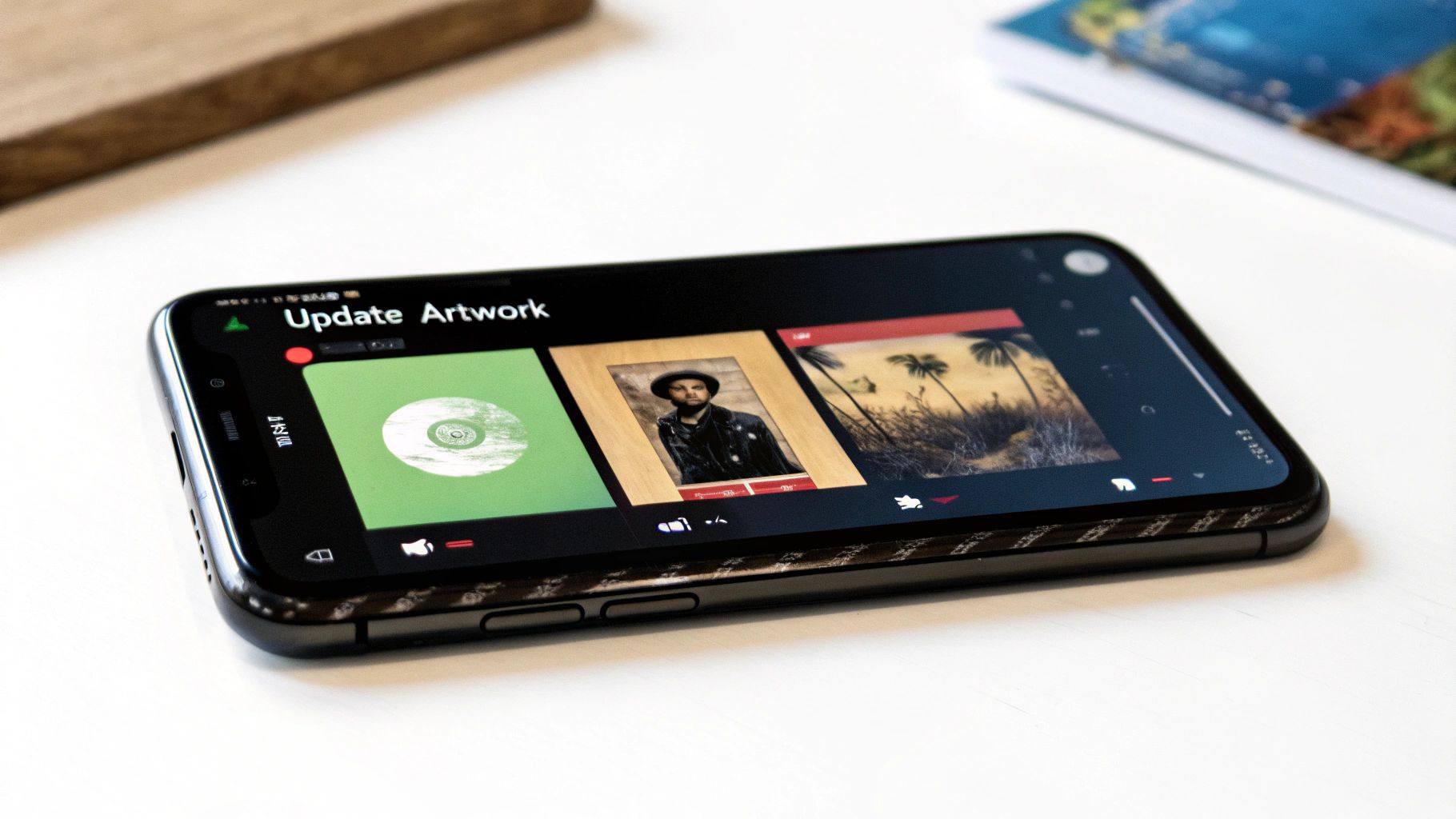
Before your distributor even thinks about sending your music to Spotify, your files need to be technically flawless. This isn’t about creative preference; it’s about meeting the non-negotiable standards that streaming platforms demand. Get this part right, and you'll save yourself from a world of frustrating rejections and delays.
Think of your master audio file and your cover art as your release's passport. If any detail is off, you’re not getting past the gate. Simple as that.
Prepping Your Master Audio Files
Let's start with your sound. Spotify is built on delivering a high-quality listening experience, so a compressed MP3 just won't cut it. Your final master needs to be in a professional, uncompressed format.
You’ve got two primary options here:
- WAV: The gold standard. This is the uncompressed, broadcast-quality format that every professional in the industry uses.
- FLAC: A great alternative. It’s a lossless format, which means it shrinks the file size without sacrificing a single bit of audio data.
The specs matter, too. Your audio must have a minimum 16-bit depth and a 44.1 kHz sample rate. This is the baseline for CD-quality sound, and anything less will audibly degrade your music when it hits the platform.
Getting Your Cover Art Right
Your artwork is the first thing a potential fan sees. It's your visual handshake. Spotify has very specific rules to ensure a clean, consistent look across their entire library, and ignoring them is a surefire way to get your release held up.
Here are the absolute must-haves for your artwork:
- Dimensions: It needs to be a perfect square, at least 3000 x 3000 pixels. This ensures it looks sharp everywhere, from a tiny phone screen to a massive TV display.
- File Format: Stick with JPG or PNG.
- Color Mode: Always use the RGB color space, which is the standard for all digital screens.
Your cover art isn’t a promotional flyer; it’s a core piece of your release’s metadata. Keep it clean. Avoid plastering social media handles, website URLs, or tour dates on the image itself. Just your artist name and the release title—that's it.
Beyond the files, your overall brand identity is what helps you stand out. That's where things like creating a cool music logo can make a huge difference in building a memorable presence from day one.
Common Mistakes That Will Get Your Release Rejected
Distributors and stores use automated checks to flag files that don't meet their guidelines. To keep your release on track, watch out for these common pitfalls.
- Blurry or Pixelated Artwork: Don't just stretch a small image to hit the 3000-pixel mark. It will look terrible and get rejected instantly. Start with a high-resolution source.
- Conflicting Info: The artist name and release title on your cover art must be an exact match to the text you enter in the metadata fields. No exceptions.
- Stolen Images: You must have the rights to everything in your artwork. Using a random photo from Google or a copyrighted character is a fast track to a takedown.
By double-checking these assets before you upload, you’re clearing the path for a smooth, stress-free release day.
Optimizing Your Metadata for Maximum Discoverability
Think of metadata as the secret engine driving music discovery on Spotify. It's not just the boring data entry part of a release; it's every bit of information attached to your track—the artist name, song title, genre, songwriters, producers, and even your record label. Honestly, treating this as an afterthought is one of the biggest missteps I see independent artists make. Your metadata is your marketing.
Getting this information right is precisely how Spotify’s algorithm connects your music with the right listeners. When your data is accurate, it feeds directly into search results, Discover Weekly playlists, and artist radio stations. It’s the digital DNA of your track, telling the platform exactly what your music is and who out there is going to love it.
The Core Components of Your Release Data
When you’re uploading your music through OohYeah, you'll come across several fields that need to be filled out. Each one serves a very specific purpose, and you absolutely have to be accurate. It helps to think of it less like filling out a form and more like building a detailed, compelling profile for your song.
Here are the fields you can't afford to get wrong:
- Artist Name(s): This seems simple, but consistency is everything. Make sure your name and any featured artists' names are spelled exactly the same on every single release. One wrong letter can create a duplicate artist profile, which is a real mess to clean up.
- Release Title: This is the name of your single, EP, or album. Double-check for typos!
- Genre and Subgenre: Get specific here. Instead of just "Rock," you might choose "Indie Rock" or "Alternative Rock." This precision helps land your music in more niche playlists where highly engaged fans are looking for new tracks.
- Songwriter and Producer Credits: This is completely non-negotiable for getting paid. Correctly tagging every single contributor is how everyone gets their proper publishing royalties. I've seen firsthand how misspelled names or missing credits can cause major payment delays.
- Record Label: If you're self-releasing, you can just list your artist name or create a custom label name for yourself. It’s a small touch that adds a layer of professionalism to your release.
Getting your metadata right from the start saves you from so many future headaches. Trying to correct errors after a release is already live can be a complicated, frustrating process that sometimes requires taking the track down and re-uploading it—which means losing all your stream counts and playlist placements.
Why Every Little Detail Matters
Picture this: a fan searches for an artist you collaborated with, but your track doesn't show up because you misspelled their name in the credits. That's a lost stream and a missed connection, all from a tiny mistake.
It's the same with genres. Tagging your synth-pop track as just "Electronic" might be technically correct, but it's way too broad. A more specific subgenre helps Spotify’s algorithm grasp the nuances of your sound, which leads to much better playlist recommendations for listeners who are genuinely into that vibe.
This level of detail goes beyond just the basics. If you really want to maximize your music's reach on Spotify, you need to dig deeper and learn how to find the best keywords for discoverability within streaming platforms. The same principles that work for web searches apply to music genres, moods, and styles.
For a complete walkthrough of every single field and how it directly impacts your visibility, check out our guide on how to optimize your music metadata for streaming. This deep dive will turn what feels like a tedious task into one of your most powerful tools for building an audience. When you treat your metadata with the same care you put into your music, you're building a solid foundation for long-term discovery and success on Spotify.
Getting Your Music Uploaded and Timed for Impact
You’ve got your polished audio, your stunning artwork, and all your metadata lined up. Now for the exciting part—actually getting it all into the system. This is where you'll log into your distributor's dashboard, in this case, OohYeah, and bring everything together for the final push.
The upload process itself is usually pretty intuitive. Most distributors have a step-by-step interface that guides you through creating a new release. You'll upload your master WAV file, drop in your cover art, and then carefully copy and paste all that metadata we just spent time preparing—artist names, track title, songwriter info, the works.
Finally, you’ll select the platforms you want to send your music to. While it’s tempting to blast it everywhere, your main focus here is Spotify.
The Three-Week Rule: Your Secret Weapon
After all the files and info are in, you'll hit the big question: "What's your release date?" This single decision can make or break your launch. I know the urge to get your music out right now is strong, but resist it. Rushing is one of the biggest mistakes I see new artists make.
Here’s the golden rule I tell every artist I work with: Submit your music at least three to four weeks before you want it to go live.
This isn't just about bureaucracy or waiting in line. This buffer is a strategic window that gives you access to Spotify's most powerful promotional tools. Without it, you’re just dropping a song into the void and hoping for the best.
Think of your release date as a party you're hosting. Setting it three weeks out gives you time to design invitations, send them out, and get people excited to show up. A rushed release is like throwing a party and only telling people about it an hour beforehand.
That lead time gives your distributor and Spotify plenty of breathing room to process everything correctly. But more importantly, it gives you the time to build a real marketing plan and generate some serious hype.
A Pro-Level Release Timeline
So what do you actually do during those few weeks? This is how you turn a simple upload into a full-blown strategic launch.
Here’s a breakdown of how that time is best spent:
Week 1 (Submission & Setup): Once you submit your track through OohYeah, it gets processed and sent to Spotify. After a few days, it will appear in your backend. This is when you can log in and claim your Spotify for Artists profile if you don't have one already. This dashboard is your command center.
Week 2 (The All-Important Pitch): Now that you have access, you can pitch your unreleased track directly to Spotify's editorial team for playlist consideration. You absolutely have to do this at least seven days before your release date, but I always advise doing it as soon as you can. An editorial placement can change an artist's entire trajectory.
Weeks 2-3 (Hype and Promotion): With a firm release date locked in, you can kick your marketing into high gear. This is the time to:
- Launch a pre-save campaign to lock in day-one listeners.
- Tease audio clips and behind-the-scenes content on social media.
- Email your mailing list and reach out to blogs or influencers who might dig your sound.
Giving yourself this runway is the difference between simply putting music on Spotify and truly launching it. This kind of patience and planning is what separates a hobby from a career.
Your Top Spotify Release Questions, Answered
Even with the best game plan, stepping into the world of music distribution for the first time always brings up some specific questions. Getting those last few details sorted out can make all the difference, letting you focus on your launch instead of stressing over the small stuff.
Here are the straight answers to the most common things artists ask when they’re figuring out how to post music on Spotify.
How Long Does It Take for My Music to Go Live on Spotify?
This is one of those times where patience really pays off. You'll want to give yourself a lead time of at least three to four weeks before your target release date.
Sure, some distributors might get it done faster, but that buffer isn't just for processing. It’s a critical window for your marketing. This is the time you need to claim your Spotify for Artists profile and—most importantly—pitch your new track directly to Spotify's editorial playlists. That pitch has to be in their hands a minimum of seven days before your release, so building in extra time is always the smart move.
Can I Fix My Song or Artwork After It's Already Out?
Changing things after your music is live is a real headache and something you want to avoid at all costs.
Small metadata fixes, like a typo in the songwriting credits, can sometimes be corrected by sending a request to your distributor. But if you're talking about swapping out the master audio file or changing the cover art, you're almost certainly looking at a full takedown and re-upload.
This isn't a simple swap. It means a new UPC is issued for the release, and that means you will lose every single stream count and playlist placement you've worked so hard to get. The takeaway? Double-check every single detail before you hit that final "submit" button.
Once your music is out in the world, it's pretty much set in stone. It’s like trying to recall every printed copy of a book to fix a typo. Get it right the first time to protect your stats and keep your momentum going.
Do I Need to Buy My Own ISRC and UPC Codes?
Nope, you can cross this off your to-do list.
Any reputable digital distributor, OohYeah included, will generate these codes for you automatically. It’s a standard and essential part of their service.
- ISRC (International Standard Recording Code): Think of this as a unique fingerprint for your individual audio recording.
- UPC (Universal Product Code): This code identifies the entire product—your single, EP, or album as a whole.
Your distributor takes care of this to make sure every stream is tracked accurately, which is how you ultimately get paid for your work.
How Do I Actually Get Paid from My Spotify Streams?
The money follows a specific path: from Spotify, to your distributor, and finally, into your pocket.
Spotify calculates and pays royalties to distributors based on a pretty complex formula that involves your share of the platform's total streams. Your distributor then acts as your collection agent, gathering those earnings. They’ll take out any agreed-upon fees or commission and then deposit the rest into your account.
From there, once you hit the distributor's minimum payout amount, you can withdraw your money. It’s a well-oiled system, but it all starts with having a solid distribution partner looking after your catalog.
Ready to take control of your music career? With OohYeah, you can release your tracks, sell merchandise, and connect directly with your fans—all on one platform. Start building your future today at https://oohyeah.app.



