
Casio CDP S350: The Ultimate Artist's Guide for 2026
Is the Casio CDP S350 the right digital piano for you? Our in-depth 2026 guide covers specs, sound, MIDI use, and comparisons for independent artists.
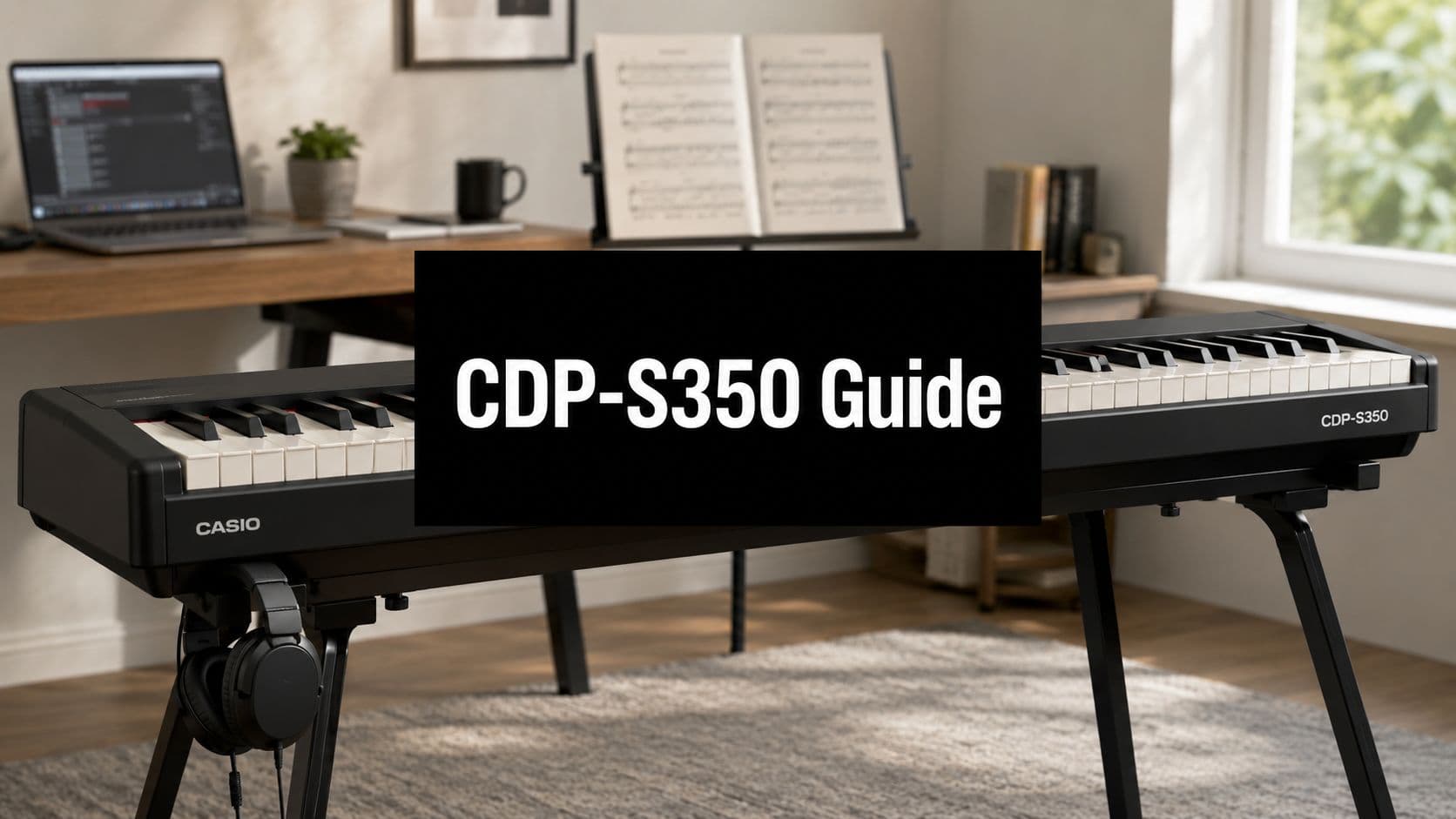
May 26, 2026
Music Marketplace Advisor
Buying & SellingIf you're staring at a cramped studio corner, a laptop, a pair of headphones, and a half-finished song, the Casio CDP-S350 makes immediate sense. A lot of players need one keyboard that can do three jobs without turning the room into a warehouse. It has to feel close enough to a piano for daily practice, flexible enough for writing, and simple enough to move when rehearsal happens somewhere else.
That's where the CDP-S350 sits in an interesting lane. It isn't just a starter piano, and it isn't a pure arranger keyboard either. It's a compact digital piano and arranger hybrid that gives independent artists more creative options than most portable weighted boards in this category.
For a songwriter, that matters. You might start on a piano patch, stumble onto a groove with an auto-accompaniment rhythm, switch to an electric piano or pad, and sketch the whole thing before opening a DAW. For a student or working musician, the same board can pull double duty as a practice instrument during the week and a lightweight writing station on the weekend.
The main question isn't whether the Casio CDP-S350 has a long feature list. It does. The question is whether those features help you make music, practice more consistently, and capture ideas fast enough to matter. That's where this keyboard gets more interesting than the usual beginner-focused review suggests.
Introducing the Casio CDP-S350 Hybrid Piano
A lot of musicians buy the wrong keyboard because they shop by category instead of workflow. They tell themselves they need a digital piano, then realize they also need backing rhythms, more sounds, and some way to sketch arrangements without reaching for a computer every five minutes.
The Casio CDP-S350 answers that problem better than most compact weighted keyboards. It gives you the basic thing a pianist cares about first, which is a full 88-key scaled hammer-action layout, but it doesn't stop there. Casio built it as a portable piano that also behaves like a lightweight writing tool.
Why this model lands differently
The independent artist use case is obvious. You're rehearsing chord voicings one minute, then trying to turn that progression into a verse idea the next. A plain digital piano can feel great for technique but hit a wall fast when you want drums, alternate textures, or quick arrangement support.
The CDP-S350 leans the other way. It's a board for players who want piano at the center, not as the only function.
A keyboard becomes more useful when it helps you stay in the creative moment instead of forcing you into menu diving, app switching, and setup changes.
That hybrid identity changes who this instrument is really for. It suits:
- Songwriters in small spaces who want one keyboard that handles practice and idea capture
- Piano learners with wider taste who don't want to outgrow a basic model too quickly
- Musicians who play multiple sound sources who need weighted keys but also want rhythm support and alternate sounds
- Teachers and mobile players who value a board that can move easily between rooms or sessions
Where expectations need to stay realistic
This isn't a substitute for a dedicated stage piano with deeper live controls and more extensive professional outputs. It also isn't the first board I'd point a serious classical player toward if their entire buying decision rests on action nuance and sustaining realism.
But for the artist who writes, rehearses, teaches, and records demos from the same instrument, the Casio CDP-S350 solves a practical problem few keyboards address this directly.
First Look at the Casio CDP-S350 Design and Portability
You finish practicing, slide the keyboard against the wall, and the room still works as a room. That is the first practical win with the CDP-S350.
Casio built this model for players who need 88 weighted keys without giving up floor space. The cabinet is unusually slim for a full-length digital piano, and that changes how often it gets used. A keyboard that is easy to store gets pulled out more often for short writing sessions, ear training, lesson prep, and late-night headphone practice.

The dimensions noted earlier help explain why. It has the footprint of a serious piano, but the profile is closer to a portable arranger. For an independent artist, that matters because this board often lives in a bedroom studio, a teaching space, or the back seat on the way to rehearsal. It is one of the few instruments in this price range that can cover practice, songwriting, and basic accompaniment work without demanding a dedicated corner of the house.
That portability affects real habits:
- Small apartments and shared rooms benefit from a chassis that stores more easily than many home-focused digital pianos.
- Teaching and lesson work gets simpler when moving the instrument between rooms is realistic.
- Songwriting on the go makes sense because battery power is available, so you are not tied to one setup.
- Light rehearsals and writing sessions become easier because you can bring weighted keys without hauling a heavier stage board.
The trade-off is easy to spot once your hands leave the keys. The panel is compact, so the controls feel tighter and less performance-friendly than a dedicated stage piano. Players who rely on fast patch changes, hands-on live mixing, or immediate access to layered sounds will notice the difference.
That does not make the design weak. It makes it focused.
For home artists, the slimmer body and practical I/O matter more than fancy trim. As noted earlier, the product page lists useful connections including USB Type-A, USB Type-B, audio input, and headphone output. That mix supports a realistic demo workflow with apps, headphones, and basic external devices. If you regularly troubleshoot app or device communication in a home setup, this support guide for music app and connection issues is a useful reference.
The bigger point is that the CDP-S350 does not behave like a stripped-down beginner slab. Its design supports the hybrid role Casio gave it. Piano practice at one moment, arranger sketchpad the next. For stage-first players, the compact body and tighter control layout are clear limits. For writers, teachers, and musicians building demos in small spaces, the portability is one of the strongest reasons to consider it.
Sound and Keyboard Action Deep Dive
The playing experience starts with the keybed. If that part doesn't work, the rest of the feature list doesn't save the instrument. The CDP-S350 gets enough right here to be musically useful, but it also shows where Casio chose portability and versatility over a more premium piano-first feel.
Casio specifies an 88-key scaled hammer-action keyboard, 64-note polyphony, 700 built-in tones, and 3 touch-response settings plus Off on its CDP-S350 specifications page. Those aren't just specs for a sales sheet. They shape how the instrument behaves under your hands and inside a real arrangement.
How the action feels in practical terms
A scaled hammer action tries to mimic the basic weight relationship of an acoustic piano. Lower notes feel heavier, upper notes feel lighter. On the CDP-S350, that gives practice sessions more legitimacy than you'd get from a synth-action board.
For scales, chord drills, pop accompaniment, and general technique work, the action does the job well. It encourages proper finger engagement and dynamic control better than a light keyboard would. The touch-response settings also help if you want a slightly more forgiving response for practice, or a bit more dynamic range when you're trying to phrase more carefully.
The limitation is subtle but real. This doesn't feel like a high-end acoustic simulation. Repetition, very fine dynamic shading, and advanced classical control are where players with stricter piano standards may start wanting more.
Which sounds are actually useful
The headline figure is 700 built-in tones. That sounds huge, and for writing it often is. But no working musician uses all of them equally.
The core value is in variety, not consistency. The main piano voices matter most, and they need to be convincing enough to keep you practicing. Beyond that, the useful sounds are usually the ones that support songwriting fast:
- Electric pianos for pop, soul, lo-fi, and demo work
- Strings and pads for harmony support
- Bass sounds for left-hand sketching and split setups
- Organs and synth-style textures when a piano patch feels too plain
Some tones will be musical shortcuts. Others will feel like occasional color or menu filler. That's normal on boards with a very large sound count.
If you write songs at the keyboard, a broad sound palette helps most when it changes the mood quickly. One patch can turn a plain chord loop into a section with identity.
For artists building rough demos, that range is useful. For pure piano players, most of those extra sounds won't matter much.
What 64-note polyphony means when you play
Polyphony is where feature-rich budget boards often reveal their ceiling. The CDP-S350's 64-note polyphony is enough for a lot of normal use, but it's also the spec most likely to show strain if you pile on sustain, layers, and arranger parts.
A simple way to understand it:
| Playing situation | Result on CDP-S350 |
|---|---|
| Solo practice with moderate pedal use | Usually fine |
| Pop songwriting with a single main tone | Comfortable |
| Layered textures with sustained chords | Can get crowded |
| Dense passages with heavy sustain | Voice stealing can happen |
That last point matters. Once the note limit is reached, some notes drop out. On a basic rehearsal take, that may not bother you. In a dense, sustain-heavy passage, you'll hear the compromise.
If you're troubleshooting setup or compatibility in a broader digital workflow, OohYeah keeps a general music platform support resource that can be useful alongside your instrument-specific manual and DAW documentation.
Unlocking Creative Workflows with USB and MIDI
One of the smartest ways to use the CDP-S350 is to stop thinking of it as only a standalone piano. Its value grows when it becomes the weighted front end of a bigger writing setup.
For an independent artist, that means using the keyboard for feel and performance while letting software handle the deeper sound design, editing, and arrangement work. You practice on weighted keys, then record MIDI into your DAW when an idea is worth keeping.

A practical DAW setup
The most direct workflow is simple:
- Connect the keyboard by USB to your computer.
- Install any required driver support for your operating system if needed.
- Open your DAW and select the CDP-S350 as a MIDI device.
- Load a virtual instrument such as a piano, synth, or string library.
- Record MIDI first, then decide later whether to keep the performance, edit it, or swap the sound entirely.
This extends the life of the instrument. Even if you outgrow some of the internal sounds, the keybed can still serve as your input device for software instruments.
Why this helps songwriters more than spec sheets suggest
A lot of players think MIDI integration is only for producers. It isn't. It's one of the easiest ways to keep songwriting friction low.
You can sketch a progression on the CDP-S350, move it into a DAW, quantize lightly if needed, duplicate it for a pad layer, then test a bass patch underneath. The keyboard becomes the performance surface, not the sonic limit.
That flexibility also matters if you use apps and digital tools for practice or arrangement control. Casio's broader ecosystem is part of why this model appeals to artists who want one instrument to do more than one job.
Here are the workflows that make the most sense:
- Demo building with MIDI tracks you can revise later
- Virtual instrument control when internal sounds aren't enough
- Silent writing sessions through headphones and software monitoring
- App-assisted learning and setup if you prefer phone or tablet control over deep front-panel navigation
Workflow shortcut: Record the idea as MIDI before chasing the perfect tone. Notes are harder to recover than sounds.
If you're building a wider creator stack around releases, drafts, and artist tools, OohYeah also publishes practical creator-focused reads on its music industry blog, which fits naturally beside a home recording workflow.
Performance and Practice Features for Artists
The CDP-S350 gets more interesting once you stop treating the arranger side as a gimmick. For some players, the extra sounds and accompaniment features are background noise. For a songwriter working alone, they can be the difference between a chord loop and a usable demo.
Casio built this model around an 88-key scaled hammer-action keyboard and positioned it as a compact digital piano and arranger hybrid with 700 built-in tones, 200 rhythms, 64-note polyphony, and 152 preset songs, according to Piano Dreamers' CDP-S350 review. The same source notes a 6-track MIDI recorder, recording memory of approximately 12,000 notes per song, an 8W + 8W speaker system, and operation on 6 AA batteries.

A real songwriting use case
Start with a plain piano patch and a simple progression. Add one of the rhythm patterns, and suddenly your timing gets more intentional because the harmony has context. Split the keyboard so your left hand covers a bass part while your right hand stays on keys or electric piano. Then record the idea before you overthink it.
That's where the CDP-S350 earns its keep. It lets one person rough in several musical roles without opening a laptop.
A practical flow might look like this:
- Rhythm first when a song needs momentum
- Layered texture second if the chorus feels thin
- Recorder third so the idea survives beyond the practice session
- Battery use last when you want to move the instrument somewhere more comfortable or less distracting
Why these features help practice too
Practice improves when the instrument invites you back. Rhythms help timing. Sound variation keeps repetition from getting stale. A recorder helps you hear what your hands are doing, not what you think they're doing.
For beginners and returning players, that mix can support the process of learning to play keyboard right because it gives structure, repetition, and immediate musical feedback. You can work on chords, timing, and hand balance without staying locked into one sterile piano tone the whole time.
The best practice keyboard is often the one that keeps you playing for another half hour because one idea led naturally to the next.
If you like reading artist-focused gear and workflow pieces between sessions, OohYeah's music magazine is one more place to browse broader creator topics.
CDP-S350 Versus Its Main Rivals
A lot of players end up choosing between three different ideas, not just three different brands. One board is built around a straightforward piano experience. Another puts key feel and core piano tone first. The CDP-S350 takes a different route. It gives you weighted keys, then adds arranger tools, a wide sound library, and onboard recording for musicians who write, sketch, and practice on the same instrument.
That distinction matters more than the logo on the front.

Philosophy matters more than brand loyalty
A Yamaha P-series model usually makes the most sense for the player who wants a clean, piano-first setup and does not care much about accompaniment features. Roland's FP line often appeals to players who are especially sensitive to action and piano response. The Casio sits in a more hybrid lane. It is for the musician who practices seriously but also wants to build demos, try arrangements, and save ideas without reaching for extra gear every time.
I think that is the fairest way to compare it. If your main question is, "Which one feels most like a piano?" Casio may not be the first answer. If your question is, "Which one helps me turn a rough idea into a usable sketch fastest?" the CDP-S350 becomes much more convincing.
Here is the practical split:
| Priority | Casio CDP-S350 | Yamaha P-series type buyer | Roland FP-series type buyer |
|---|---|---|---|
| Weighted practice | Good fit | Good fit | Good fit |
| Broad onboard sounds | Stronger case | Less central | Less central |
| Arranger-style writing help | Strong advantage | Usually not the focus | Usually not the focus |
| Pure piano-first minimalism | Less focused | Strong fit | Strong fit |
| Compact creative all-rounder | Strong fit | Moderate fit | Moderate fit |
Where the Casio wins
The CDP-S350 earns its place if you need one keyboard to do several jobs in a small room. That is the critical comparison point. It is less about beating a Yamaha or Roland on one isolated spec and more about covering practice, songwriting, basic arranging, and demo capture in one unit.
It is a strong fit for:
- Songwriters who want rhythms, alternate sounds, and quick onboard recording without building a computer-based setup first
- Students who expect to outgrow a plain digital piano and want more room to experiment
- Teachers who benefit from accompaniment features and a wider palette during lessons
- Musicians in apartments or small studios who need full-size weighted keys in a body that is still easy to move
Where rivals can be the better buy
The rivals make more sense if piano feel is the whole point. A player focused on acoustic repertoire, touch nuance, and a stronger main piano experience will often be happier with a model that spends less of its budget on extra functions.
That is especially true for:
- Classical-first pianists who will never use styles, layers, or onboard song-building tools
- Regular gigging players who need faster live control access and a more stage-focused layout
- Players who already work entirely through a DAW and do not need the keyboard itself to handle arranging duties
A short video comparison can help if you are deciding based on workflow rather than brand familiarity.
Accessories that make the setup more complete
The CDP-S350 benefits from a few practical additions. I would keep the list simple and buy for daily use, not for the satisfaction of owning extras.
- A furniture-style stand if the keyboard will stay in one spot and serve as your main practice instrument
- A better pedal setup if sustained playing and more piano-like control matter to you
- A comfortable bench and decent headphones because those two things affect practice time more than many players expect
Used that way, the Casio starts to make more sense. It is not the best pure stage board in the group, and it is not the most piano-purist choice either. It is the board for the independent artist who wants one compact instrument to cover practice, writing, and rough production work without much setup friction.
Final Verdict Is the CDP-S350 a Good Investment
The Casio CDP-S350 is a smart buy for a specific kind of musician. It's good for the player who wants weighted keys but doesn't want a one-dimensional instrument. If your life includes piano practice, songwriting, rough arranging, teaching, or demo building, this keyboard offers a lot of practical range in one compact body.
Its biggest strength is the hybrid concept. You get a credible practice instrument, a large onboard sound library, arranger support, and built-in recording tools that can help ideas happen faster. That makes it more useful than many keyboards that are technically solid but creatively narrower.
The trade-offs are clear. The action is good, not luxurious. The sound set is broad, but not every tone will become a regular part of your work. The 64-note polyphony means dense, sustain-heavy playing can run into limits. For serious stage use, many players will want a board built more directly around performance demands.
Buy it if you're a songwriter, a student who wants more than a basic digital piano, a teacher, or a musician trying to get serious work done in a small room.
Look elsewhere if you're a classical purist chasing a more refined key feel, or a gigging pro who needs a more purpose-built stage piano setup.
For the modern independent artist, the Casio CDP-S350 still makes a persuasive case. Not because it does one thing perfectly, but because it does several important things well enough to keep you making music.
If you're building songs, demos, and direct-to-fan releases around gear like the CDP-S350, OohYeah is one practical option for managing the artist side of the process. It gives musicians a place to upload music, sell merch and subscriptions, and connect with listeners without adding another complicated layer to the workflow.



