Stereo Sound Test: Check Your Speakers & Headphones
Run a stereo sound test to verify your left and right audio channels work correctly. Simple online tool, no equipment needed.
October 16, 2026
Music Marketplace Advisor
Buying & SellingA stereo sound test checks whether your speakers or headphones are properly connected to their left and right audio channels. It's a quick way to confirm that sound is coming from the right place and that both channels are working independently.
If you're selling audio gear, testing studio monitors, or just want to make sure your setup sounds right, this guide walks you through everything you need to know.
Related: Best Recording Studio Sound Panels 2026: Top 5 Ranked
Why You Need a Stereo Sound Test
Audio equipment fails silently sometimes. A speaker might be wired to the wrong channel. A headphone jack could be loose. Your audio interface might have a channel turned down to zero.
Without testing, you won't know until you're deep into a mix or a live performance.
A stereo sound test takes 30 seconds and catches these problems before they become expensive mistakes. If you're selling used audio gear or studio equipment, running a stereo test beforehand proves to buyers that everything works as advertised.
How to Run a Stereo Sound Test
You need three things: a device (phone, tablet, or computer), audio output (speakers or headphones), and an online stereo test tool.
Related: Audio Test: How to Test Your Speakers & Gear
Here's the step-by-step process:
- Open a stereo test tool in your web browser
- Plug in your speakers or put on your headphones
- Turn the volume to a comfortable listening level
- Hit play on the test tone
- Listen carefully to which side each sound comes from
- Verify that left and right channels are distinct and working
Most stereo tests use alternating tones or panning audio that moves from left to right. You should hear sound clearly from each side. If one channel is silent or much quieter, there's a problem.
What a Stereo Sound Test Actually Checks
A basic stereo test confirms that your left and right channels are functioning independently. It doesn't measure audio quality, frequency response, or room acoustics.
Think of it as a pass-fail check. Pass means both channels work. Fail means one channel is dead, reversed, or significantly quieter.
Some stereo tests go deeper and include tone frequencies that help you understand how your speakers perform across the audio spectrum. These are useful if you're setting up a recording studio or calibrating monitor speakers.
Common Stereo Sound Test Scenarios
Different situations call for different testing approaches.
Testing studio monitors: Run a stereo test while sitting in your mix position. Listen for balanced volume from both speakers. If one monitor is louder, check the cable, the interface output level, and the monitor's gain knob.
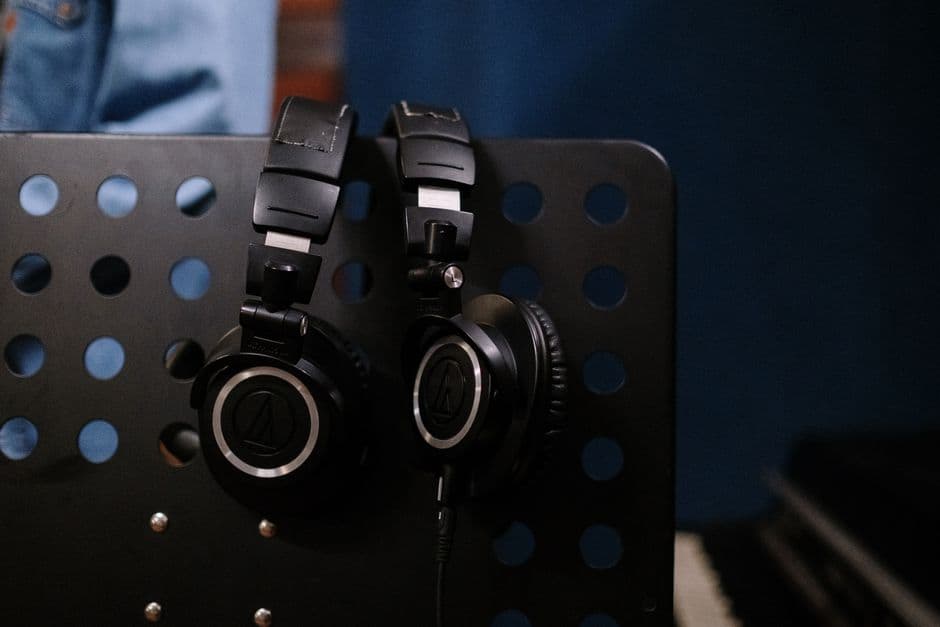
Testing headphones: Plug them in and listen. You should hear the test tone alternate between left and right ears. If it only comes from one side, the headphone cable might be damaged or the jack might be dirty.
Testing speakers in a live sound setup: Use a stereo test to confirm that left and right mains are wired correctly before a gig. Reverse polarity or crossed channels can ruin a performance.
Testing an audio interface: Connect the interface to your monitoring system and run the test. This confirms that both output channels are working and that your cable runs are correct.
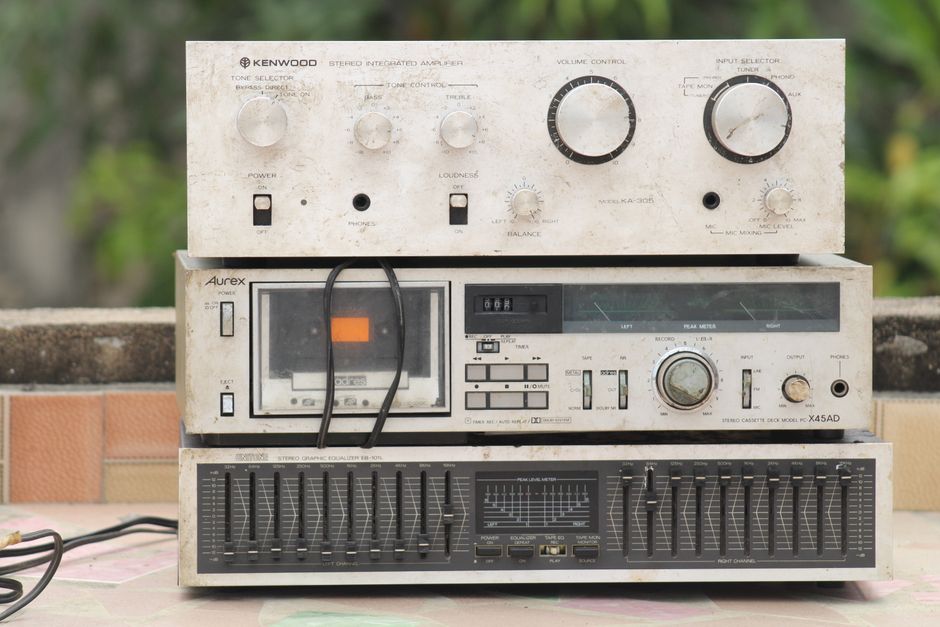
Testing vintage or used gear: If you're buying or selling used equipment, a stereo test is your first checkpoint. It proves the item works before money changes hands.
Troubleshooting Failed Stereo Tests
If your stereo test shows a problem, don't panic. Start with the simplest fixes first.
Check your cables. Loose or damaged cables are the number-one reason for channel problems. Unplug everything, inspect the connectors, and plug it back in firmly.
Check your volume levels. Make sure the output level on your device or audio interface isn't muted or turned down. Sometimes a channel is working fine but you just can't hear it because the fader is at zero.
Check your settings. Some audio interfaces or devices have channel routing controls. Make sure both left and right outputs are enabled and routed to the correct physical outputs.
Try different cables. Swap in a cable you know works. If the problem goes away, your original cable is bad.
Try different headphones or speakers. If the problem persists across multiple devices, your audio interface or source device might be the issue.
If you're selling gear and a stereo test fails, be honest about it. Document the problem and adjust your price accordingly. Buyers appreciate transparency, and OohYeah rewards sellers who build trust through honest descriptions.
Stereo Testing for Different Audio Devices
The basic test is the same everywhere, but each device has its own quirks.
Computer speakers: Make sure both speakers are plugged in and turned on. If one is silent, check its power cable and volume control.
Car audio systems: Run the test through your head unit. If one channel is weak, a speaker might be blown or a wire might be loose behind the dash.
PA systems and live sound gear: Test the main outputs, monitor sends, and any aux outputs you plan to use. A failed channel before the show is better than finding out during the show.
Gaming headsets: Plug them in and run the test. Gaming headsets sometimes have the channels reversed or one driver dead. Test before you rely on them for competitive play.
DJ equipment: Test both deck outputs and the master output. DJs need stereo separation to blend tracks correctly.
When to Do a Stereo Sound Test
Test before you buy. If you're purchasing used speakers, monitors, or headphones, ask the seller to run a stereo test or do it yourself before handing over money.
Test after installation. Any time you set up new audio gear or rearrange your setup, run a quick test to make sure everything is wired correctly.
Test regularly if you're selling. If you manage inventory and you're selling audio equipment on OohYeah or elsewhere, test items before they ship. It protects your reputation and gets you repeat buyers.
Test if you hear something odd. Unusual behavior, low volume, or missing sound from one side means it's time to test and troubleshoot.
Stereo Testing and Room Acoustics
Once you confirm that both channels work, you might notice that one side sounds louder or different. That's often a room acoustics problem, not a gear problem.
Your listening room affects how sound travels. Hard walls reflect sound. Soft materials absorb it. Asymmetrical room layouts create uneven sound fields.
A stereo test confirms your equipment is working. If the balance still feels off, you might need to adjust speaker placement, add acoustic treatment, or move your listening position.
This matters a lot if you're setting up a home studio or mixing room. The gear is half the equation. The room is the other half.
Building Better Audio Buying Habits
Smart buyers and sellers use stereo tests as part of their routine. It's a 30-second insurance policy against bigger problems down the road.
If you're shopping for used gear, always ask if the seller has tested it. If you're selling, always test before listing. If you're setting up a new system, always test before you trust it for anything important.
Audio gear breaks down. Cables fail. Connections get loose. But catching these issues early saves you time, money, and headaches.
What's the difference between a stereo test and a frequency response test?
A stereo test checks whether your left and right channels work independently. A frequency response test measures how different frequencies sound through your speakers. Stereo tests are pass-fail checkpoints. Frequency tests are deeper diagnostic tools. Most people need a stereo test. Audio engineers might use both.
Can I run a stereo sound test on my phone?
Yes. Open a stereo test tool in your phone's web browser, plug in headphones, and listen. Your phone is a perfectly valid testing device. Just make sure your headphones are working first.
Do I need special equipment to run a stereo sound test?
No. You need a device with a web browser and audio output. That's it. No expensive tools, no software, no calibration gear required.
What should I do if one speaker is much louder than the other?
First, check the cable connections and the volume controls on both speakers or your audio interface. If both are set to the same level and the cable is fine, the quieter speaker might have an internal problem. If you're buying used gear, this is a red flag. If you're selling, disclose it and adjust your price.