Sound Design Explained: Create Immersive Audio for Your Brand
Learn sound design basics—dialogue, effects, music, ambience, and foley. Build better audio experiences that hook customers and boost engagement.
August 1, 2026
Music Marketplace Advisor
Buying & SellingSound design is the art of creating, specifying, acquiring, and producing auditory elements that bring stories, products, and experiences to life through recording, editing, and mixing. In plain English? It's every sound you hear that's been intentionally chosen or crafted to make something feel real, emotional, or memorable.
For e-commerce sellers, this matters more than you'd think. A well-designed audio experience on your product pages, in your demo videos, or even in your storefront can separate you from the noise and make customers actually *want* to buy from you.
The Five Essential Elements of Sound Design
Sound design breaks down into five core building blocks. Master these, and you'll understand how professional audio creates impact.
Related: What Is a Sound Card? Guide to Audio Upgrades
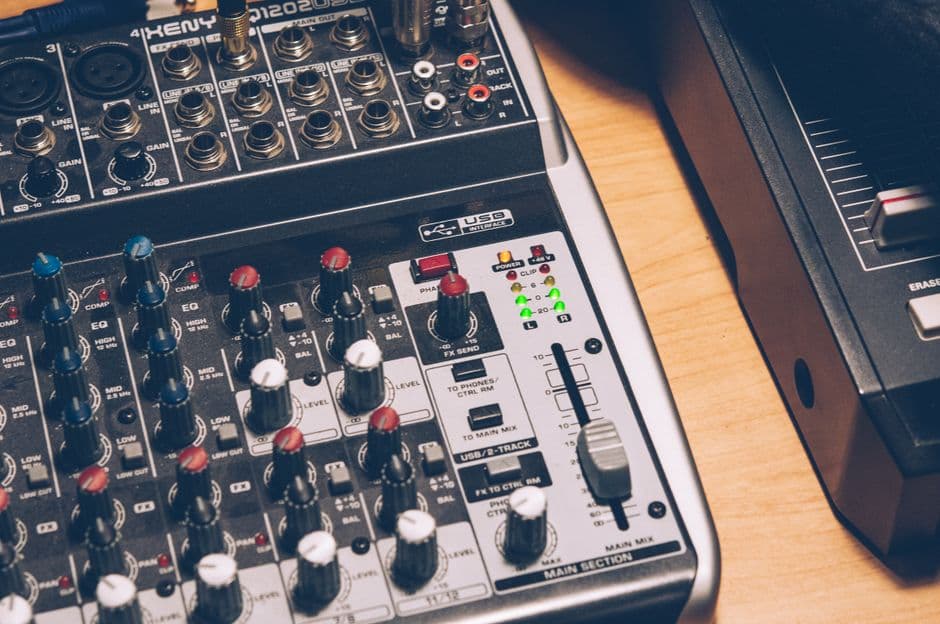
Related: Best Audio Mixers 2026: Top 5 Ranked for Studios & Live Sound
1. Dialogue
This is spoken word—your product descriptions read aloud, customer testimonials, or a narrator walking someone through how your gear works. Dialogue connects humans to humans. It builds trust.
2. Sound Effects
These are the specific auditory events that make your content feel tactile and real. A guitar string being plucked. A drum pedal clicking. The satisfying *snap* of a cable connector. Sound effects anchor your audience in the moment.
3. Music
Background scoring sets the emotional tone. Upbeat, energetic music makes gear feel exciting and new. Chill, atmospheric music positions it as professional and premium. Music is your silent salesperson.
4. Ambience
Ambient sound is the environmental layer—a recording studio's hum, a concert hall's energy, coffee shop chatter in the background of a podcast ad. Ambience tells your listener *where* they are without saying a word.
5. Foley
Foley is custom-created sound that mimics real-world actions. It's the art of recording or synthesizing sounds that match on-screen movement. If you're filming someone unboxing a vintage synthesizer, foley makes that cardboard rustle sound crisp and intentional.
Why Sound Design Matters for E-Commerce Right Now
E-commerce is getting louder and more competitive every day. Generic product photos don't cut it anymore. Video does. And video with thoughtful sound design absolutely dominates video without it.
Here's the reality: when someone's scrolling through their phone at 2 AM deciding whether to buy that used synthesizer or audio interface from you, the *first* thing that stops their scroll is sound. A crunchy, lo-fi demo video won't convert. A crisp, intentional audio experience will.
Corporate investment in e-commerce audio experiences is surging because data shows it works. Customers engage longer, trust faster, and buy more frequently when the audio experience is intentional.
How to Start Using Sound Design in Your Listings
Step 1: Plan Your Five Elements
Before you record or edit anything, ask yourself: what story am I telling? What does each sound element need to do?
Related: Audio Engineering Explained: What It Is & How to Start
- Dialogue: Will I narrate the product specs, or will a customer testimonial speak for me?
- Effects: What real-world sounds make this gear come alive? (Pick strikes, speaker crackle, cable plugs)
- Music: Does this product need energetic, chill, or cinematic scoring?
- Ambience: Where is my customer imagining themselves using this? A home studio? A stage? A practice space?
- Foley: What custom-created sounds will make my product feel tangible?
Step 2: Acquire or Create Your Audio
You don't need to hire a Hollywood studio. Sites like Unsplash, Freesound, and Epidemic Sound have royalty-free music and effects libraries built for creators like you. If you're selling music gear, you already have access to the best recording tool—your own equipment.
Record real demos of your instruments. Layer in ambient studio noise. Add subtle music underneath. This authenticity sells better than polished perfection.
Step 3: Edit and Mix for Clarity
Muddy audio kills sales. Every element should have its own space in the mix. Dialogue sits on top. Music and ambience sit underneath. Effects punch through at the right moments.
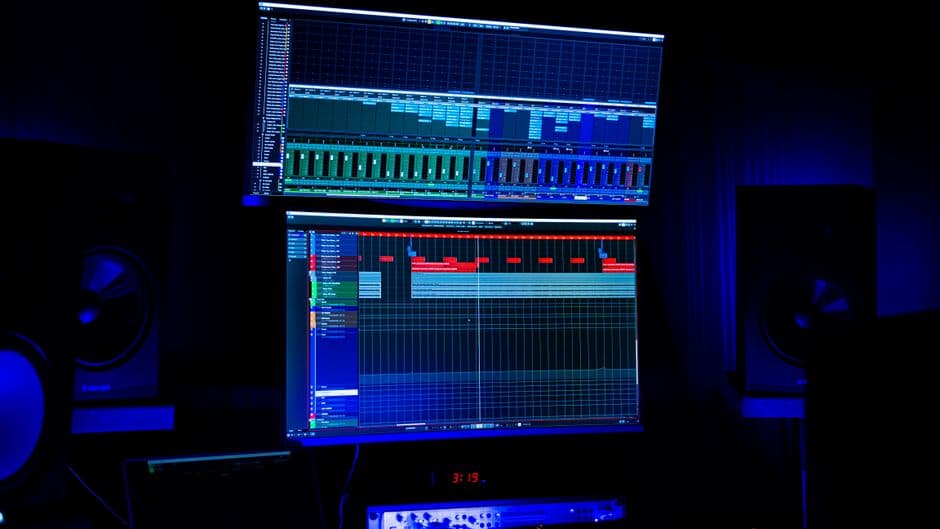
Use a basic DAW (Digital Audio Workstation) like GarageBand, Audacity (free), or Reaper to balance your levels. Keep it simple. Your goal isn't Grammy-worthy mixing—it's *clear, professional, intentional* sound.
Step 4: Test and Refine
Play your audio on phone speakers, earbuds, and headphones. How does it sound on tiny phone speakers? That's where most of your customers will hear it. Adjust until it's crisp, balanced, and emotionally on-brand.
Sound Design for Different Product Types

Selling Used Guitars or Basses?
Record yourself playing a chord progression or riff. Layer in studio ambience. Add dialogue describing the condition and history of the instrument. Let the gear speak for itself—literally.
Selling Recording Equipment or Microphones?
Demo the equipment by recording real audio with it. Show off its capabilities through sound, not just specs. A crisp vocal recording through your mic says everything.
Selling DJ Equipment or Synthesizers?
Build a 30-second musical snippet showcasing the equipment's sound character. Layer in the physical foley—buttons clicking, knobs turning, cables plugging in. Make it feel like your customer is behind the controls.
Selling Band Merchandise or Vinyl?
Pair product visuals with a 10-second clip of the song or album. Add crisp dialogue about rarity or collectibility. Sound design transforms a flat product photo into an emotional experience.
Common Sound Design Mistakes to Avoid
Don't overdo it. One or two strong audio elements beat five weak ones layered together.
Don't use copyrighted music without permission. Stick to royalty-free libraries or create your own.
Don't ignore mobile speakers. If it sounds bad on phone audio, it won't sell.
Don't leave dialogue or voiceovers unedited. Clean, de-noised, level-matched audio is non-negotiable.
Don't forget the context. A lo-fi, bedroom-recorded vibe works for vintage gear. Polished, studio-quality sound works for professional-grade equipment. Match your audio aesthetic to your product positioning.
Tools and Resources to Get Started
You don't need expensive software to do solid sound design. Here's what actually works:
- Audacity (free) - Basic recording and editing. Perfect for beginners.
- GarageBand (free on Mac/iOS) - Built-in loops, instruments, and mixing tools.
- Reaper ($60 one-time, with 60-day trial) - Professional-grade DAW. Industry standard for producers.
- Freesound.org - Community-driven library of free sound effects.
- Epidemic Sound - Unlimited royalty-free music and effects (subscription).
- Splice - Royalty-free loops, samples, and sounds for music producers.
If you're selling music gear on OohYeah, these tools will help you create the kind of audio experiences that actually convert browsers into buyers. No commissions eating into your profit—just your gear and your sound design doing the selling.
Building Your Sound Design Workflow
Start small. Pick one product. Create one 30 to 60-second audio demo. Test it. Learn what works for your audience.
Then scale. Create a template. Batch-produce your audio content. In a month, you'll have a library of high-impact demos that keep working for you.
The sellers who understand that audio experience is part of your brand are the ones who win online. Full stop.
Sound design isn't complicated. It's just intentional. And intention converts.
People Also Ask
What's the difference between sound design and audio engineering?
Sound design focuses on *what* sounds you choose and *why*—the creative and storytelling side. Audio engineering is the technical execution—recording quality, mixing levels, processing, and mastering. They work together. Sound designers choose the sounds; audio engineers make them sound professional.
Do I need to be a professional musician to do sound design?
No. You need to understand how sound *feels*, not how to play instruments perfectly. Anyone can learn to choose and layer sounds intentionally. That's the core skill. Start with free tools and royalty-free libraries.
How much does professional sound design cost?
Freelance sound designers charge $500 to $5,000+ per project, depending on complexity. But for e-commerce product videos, you can DIY it for $0 to $100 using free or low-cost tools and royalty-free libraries. The investment is time, not always money.
Can sound design really increase sales?
Research from Forbes and digital marketing studies consistently shows that video with intentional audio design outperforms video without it by 30 to 50% in engagement and conversion rates. Quality audio signals quality product. It works.